Put your ride, run or drive on the video.
Movaro is the telemetry overlay app that puts your Strava, Garmin or GPX data on any camera’s video, from GoPro, DJI and Insta360 to your phone, synced automatically.
Features
Ghosts
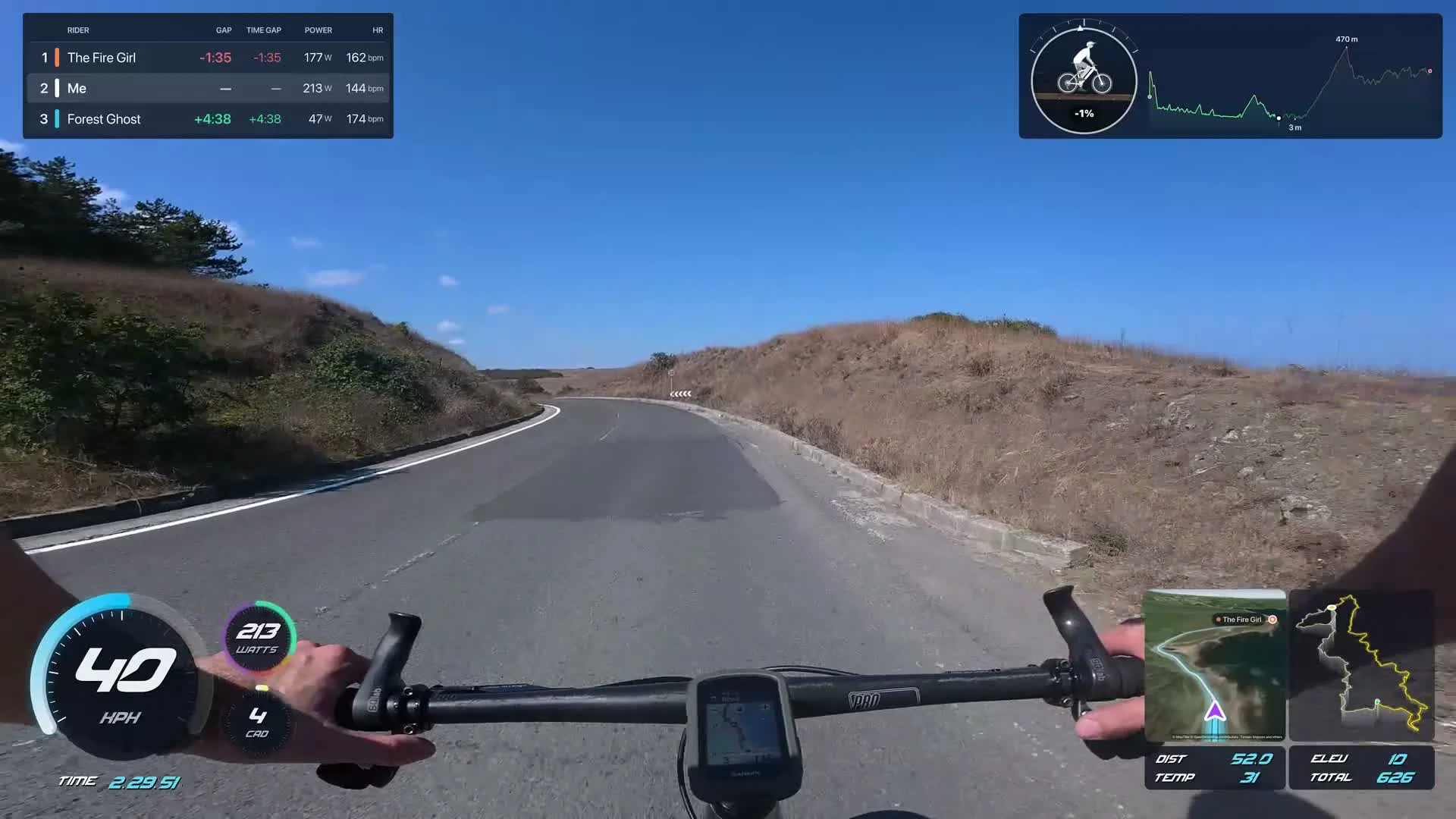
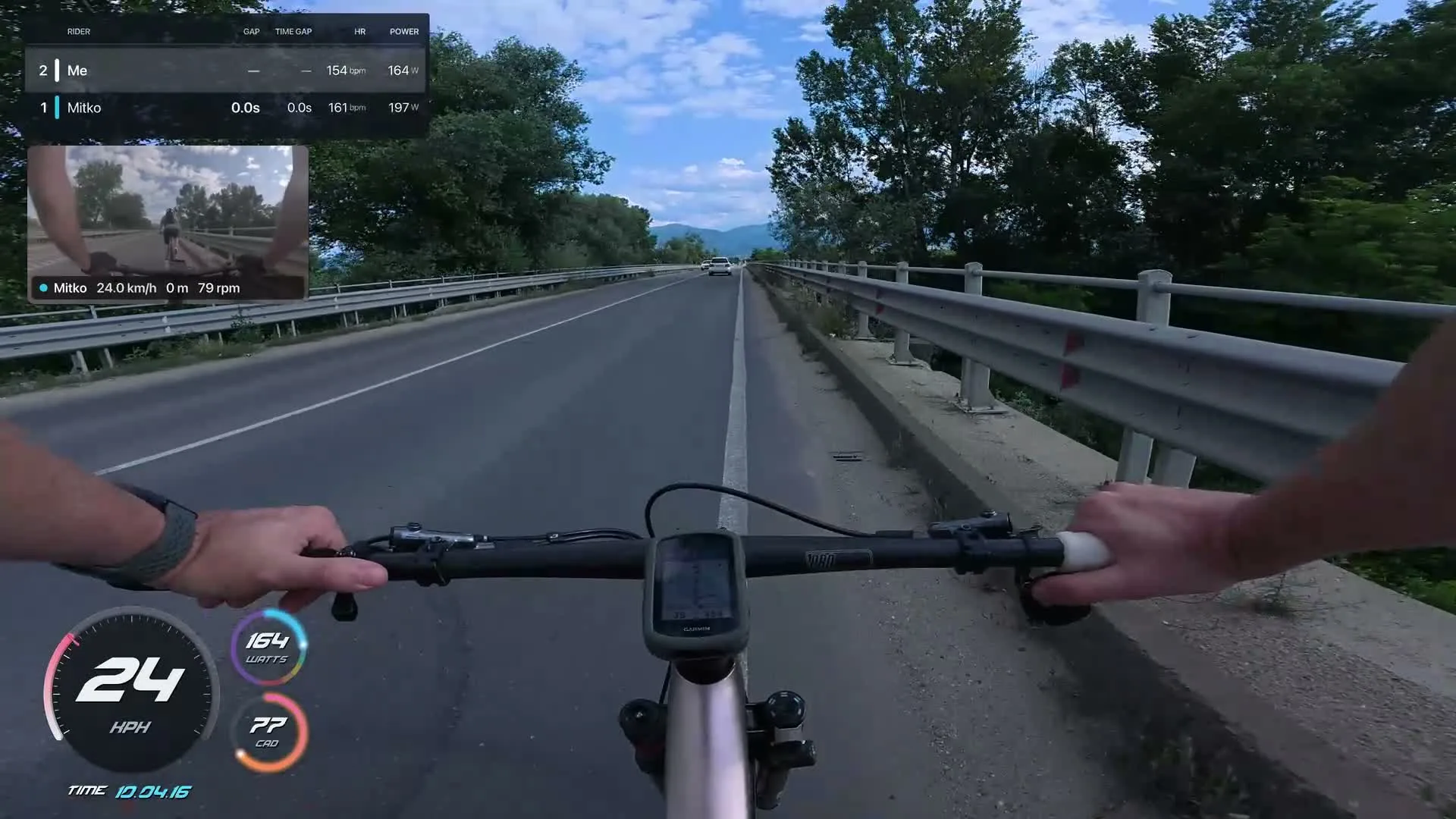
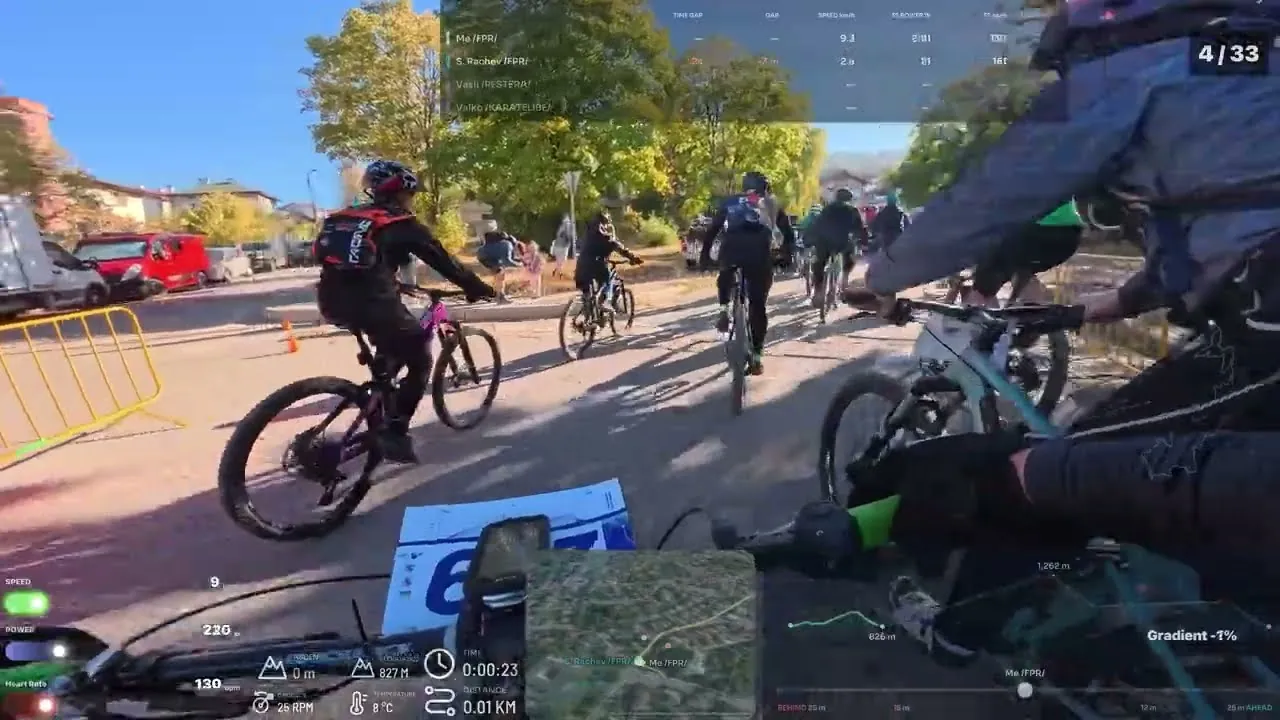
Race your friends, or your past self. Ghosts of other riders or your earlier rides, lined up automatically, on a live leaderboard. Race position counts every pass. In the Creator plan.
3D maps
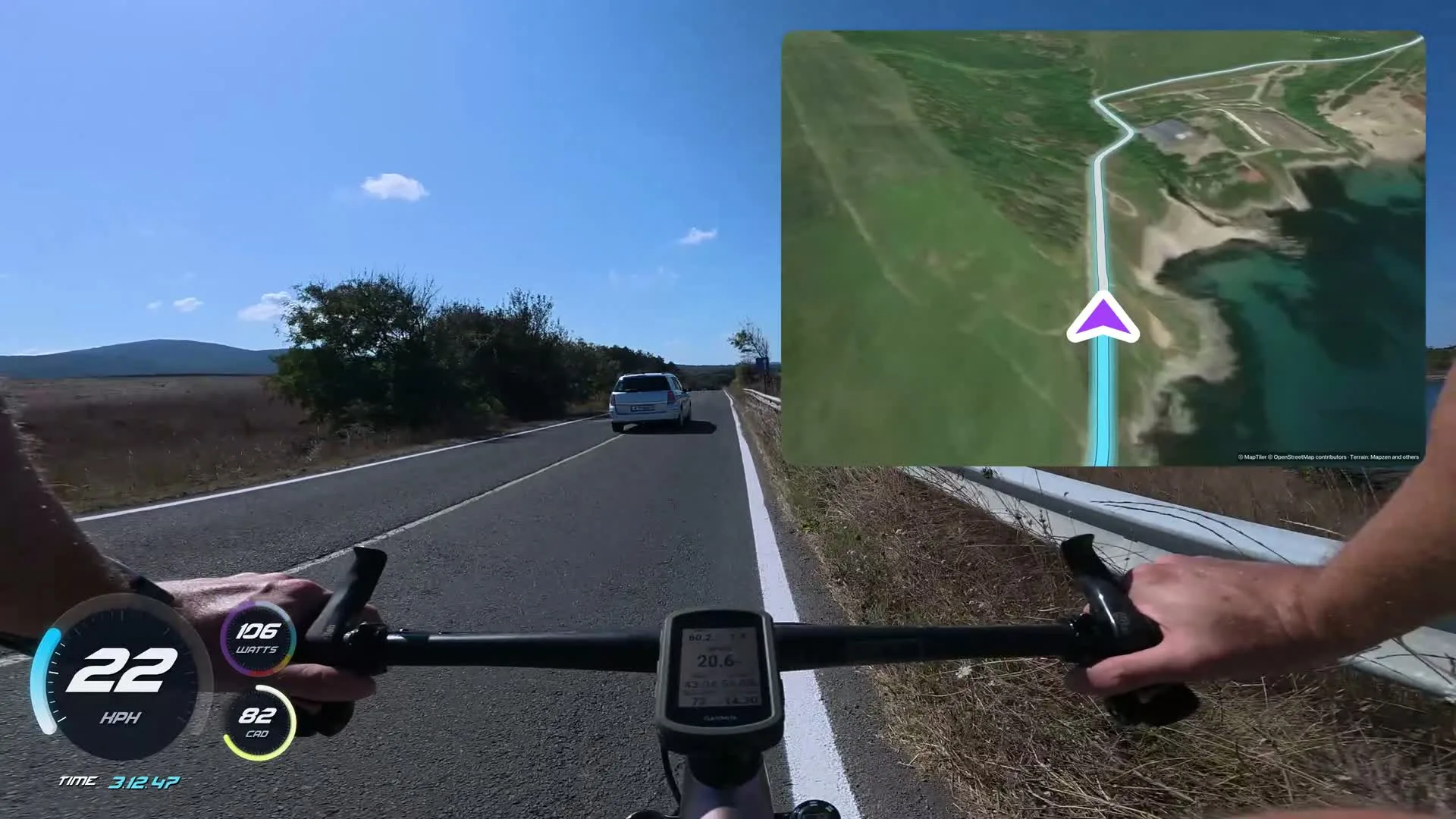
Your route in 3D. On real terrain and satellite imagery, following you along the road. In the Creator plan.
Titles
Titles that know your ride. Top speed, distance or the climb, straight from your activity. 6 templates on every plan, all 22 in Creator.
Transitions & effects
Cut, grade and finish. Transitions at every cut, a look in one click, and effects like letterbox and film grain. 8 transitions, 6 looks and 7 effects on every plan.
AI highlights
Find the moments worth posting. AI highlights picks the climbs, descents and fastest sections out of hours of footage. In the Creator plan.
Second camera
Add a second camera. A friend's or a rear camera as picture in picture, in sync with the ride. In the Creator plan.
Auto-sync
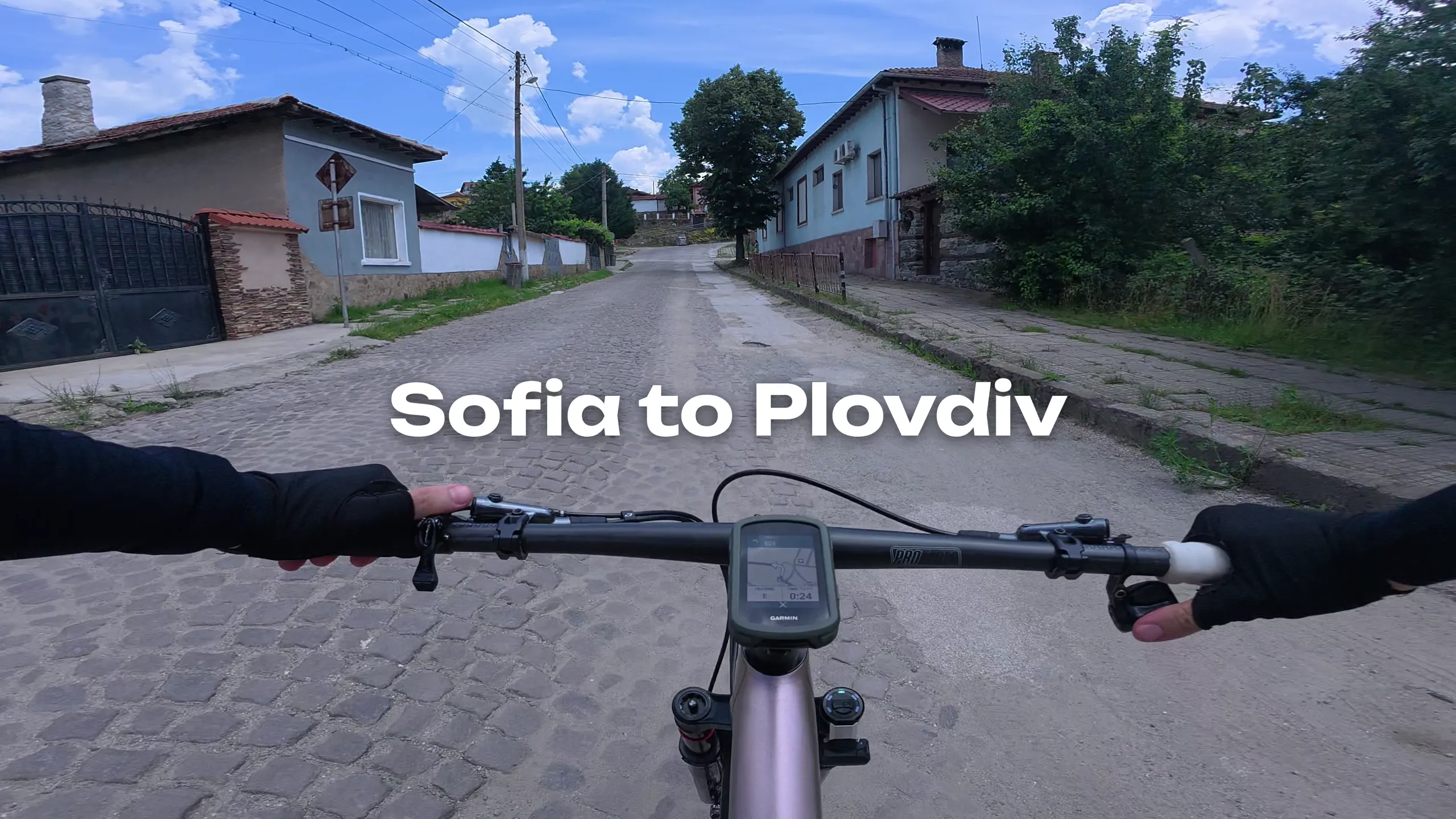
It lines itself up. Every clip lands on your activity by its recording time. Here: 62 clips from one 193 km ride. Free on every plan.
Data looks
Pick a look. Restyle any gauge in one click. Every gauge look is on every plan. Free on every plan.
Fast export
Export faster than it plays. Native 4K export, timed on real computers. Free on every plan.
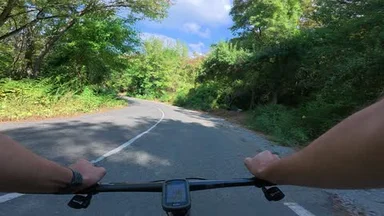
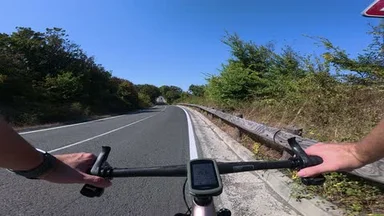
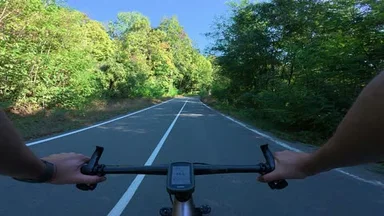
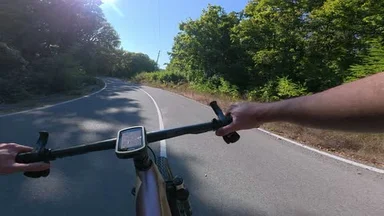
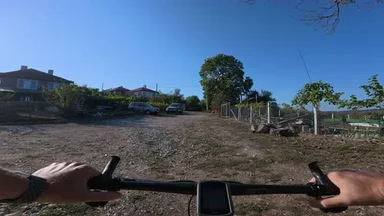
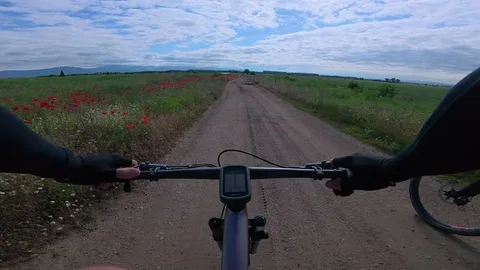
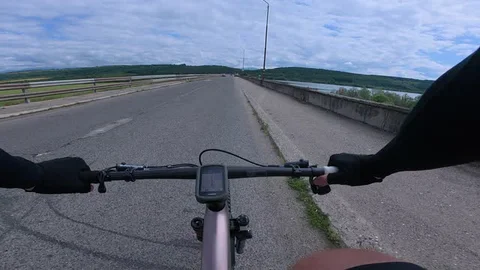
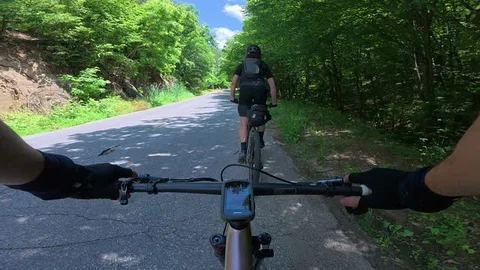
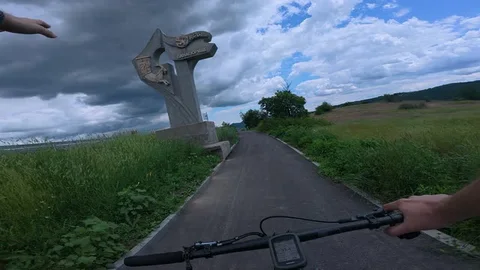
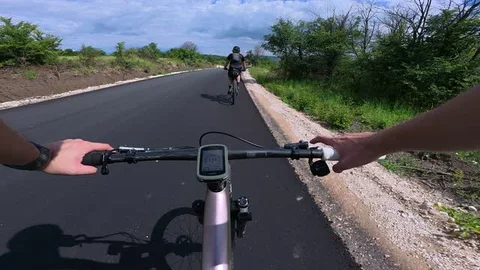
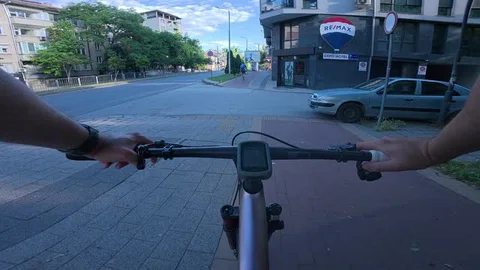
Race your friends, or your past self. Ghosts of other riders or your earlier rides, lined up automatically, on a live leaderboard. Race position counts every pass. In the Creator plan
Free for Mac, Windows and Linux. An iPad version is next, then Android and iPhone.
Watch the 1-minute filmHow Movaro works
Drop in your clips
From any camera that records MP4 or MOV: GoPro, DJI, Insta360, your phone.
Add your activity
From Strava, or a GPX, FIT or TCX file. Every clip lines up on its own.
Pick a layout, edit, export
Add music, titles and transitions, then export in 4K, wide or tall.
“Five minutes in Movaro and everything was in place. Then I just hit export. It saves so much time, and it looks amazing.”
 Boris ParvanovCyclist and YouTube creator
A video editor made for action cam footage.
Cut a whole day of clips on one timeline and finish the video right here: transitions, colour looks, effects, slow-mo and freeze frames, green-screen layers, music and sound, or a one-click recipe. The basics are free on every plan; Creator unlocks the full libraries. Compare editing tools.
Transitions
Cut it together. Thirty transitions at every cut: dissolves, pushes, whip pans, spins and glitch cuts. Pick one, then apply it to all cuts. 8 on every plan, all 30 in Creator.
Colour and filters
Grade it in a click. Sixteen looks, from Vivid to Bleach bypass, plus exposure-to-vibrance sliders, log-camera transforms and your own .cube LUTs. 6 looks and all sliders on every plan, 16 looks and LUTs in Creator.
Effects
Make it feel like film. Stack effects on any clip: letterbox, grain, vignette, zoom punch, shake, RGB split, glitch and fades, each over just the part you choose. 7 on every plan, all 17 in Creator.
Slow-mo and freeze
Slow down, then freeze. Change a clip's speed from 0.1× to 4× and the data stays matched. Freeze the moment: the readings hold and the music keeps playing. Free on every plan.
Video layers and chroma key
Layer anything on top. Put logos, animations or other clips over the ride, key out green or blue screens, and move them with keyframes. In the Creator plan.
Music and sound
Score it to the ride. Add music and sound effects. Music dips under the moments you mark, and edits snap to the beat. 1 audio track on every plan, up to 8 in Creator. Music: 'Neon' by Scott Buckley, CC BY 4.0, scottbuckley.com.au.
Recipes
One click, a finished edit. Pick a recipe such as Ride highlight or Cinematic and Movaro adds the transitions, look, titles and sound to your timeline in one step. In the Creator plan.
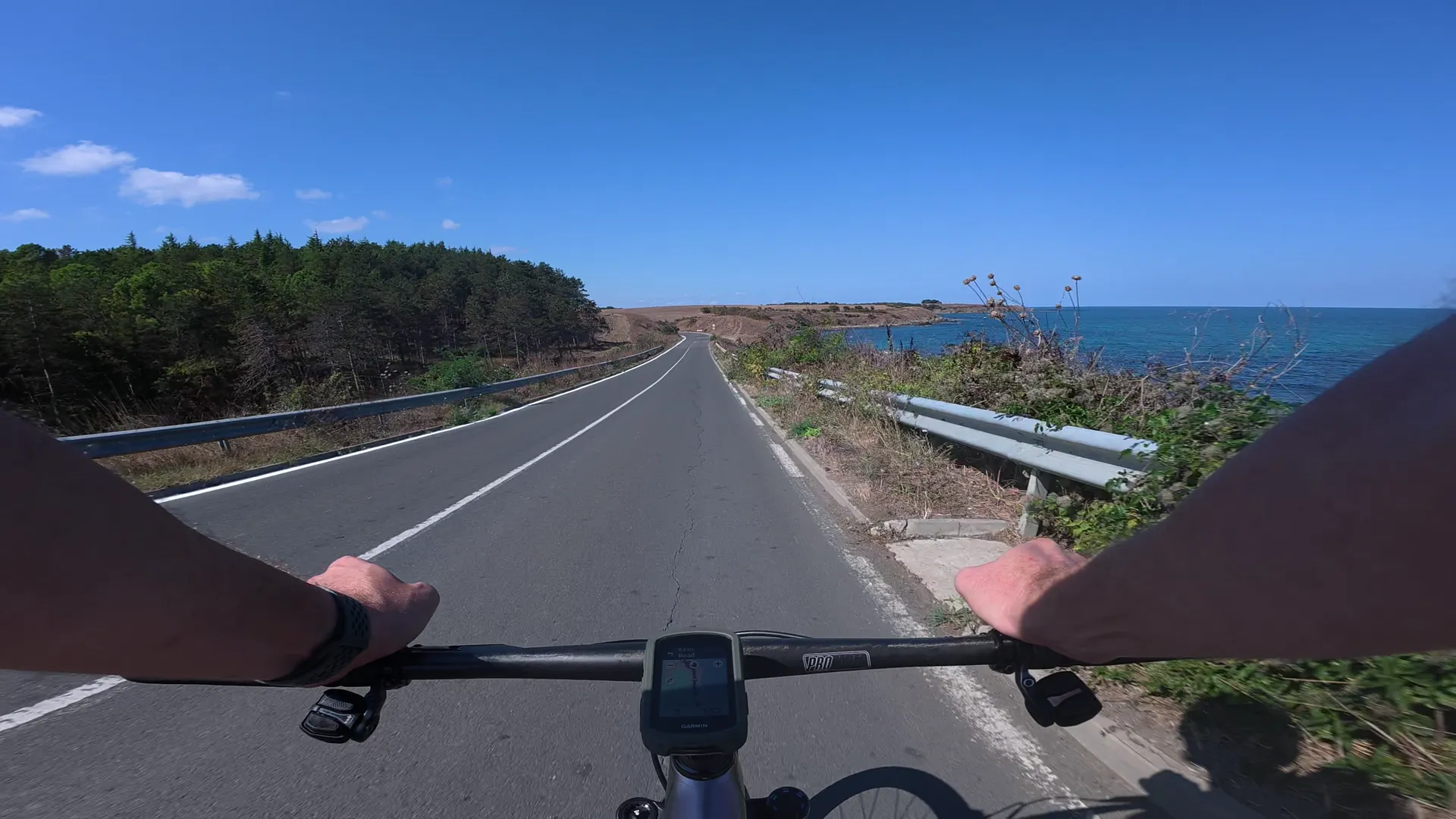
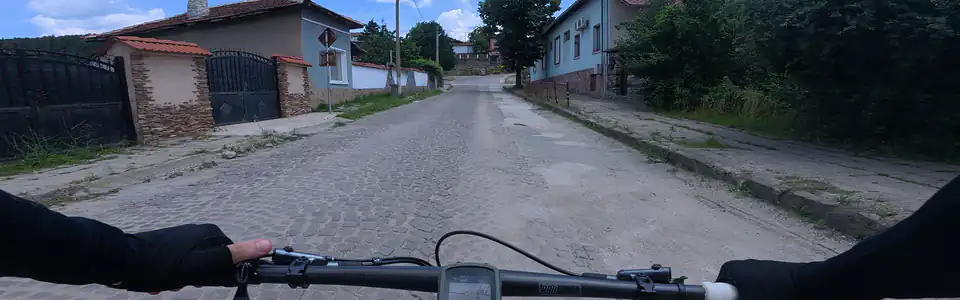
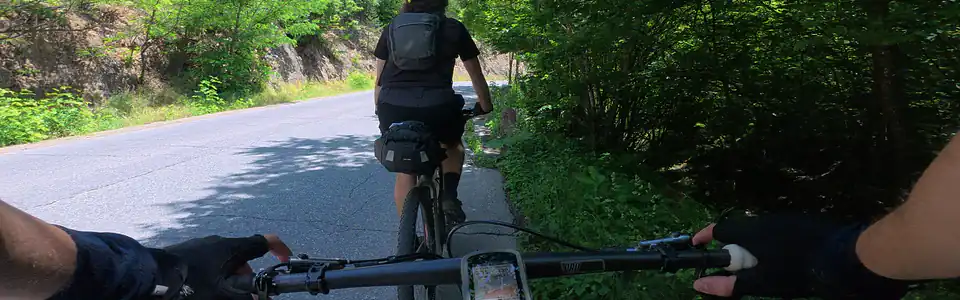
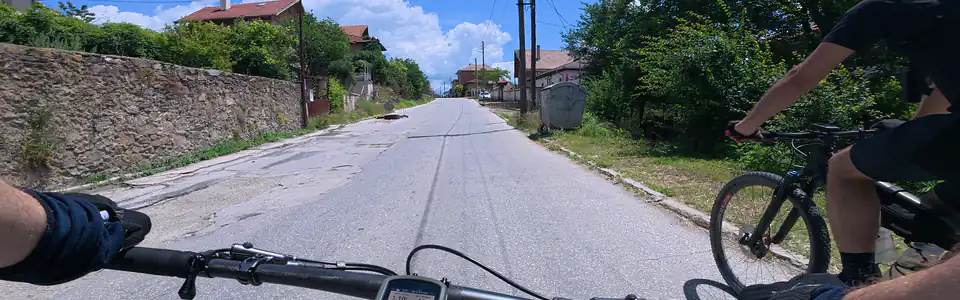
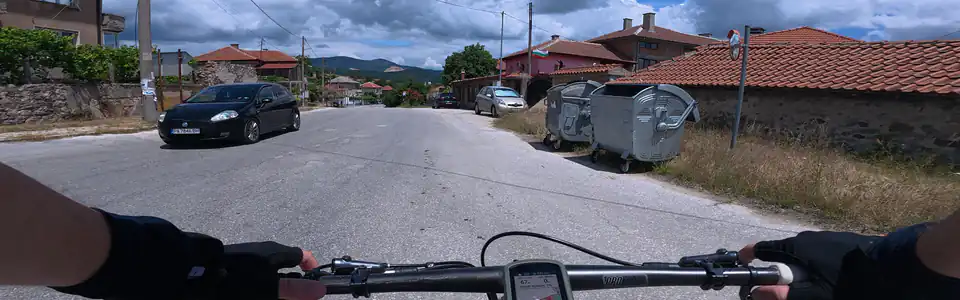
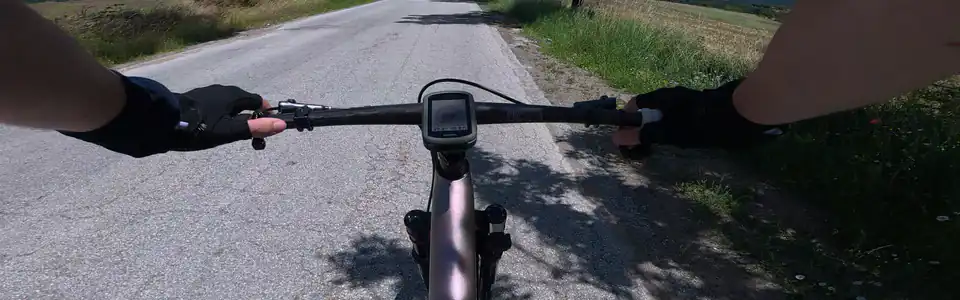
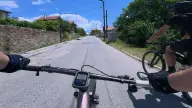
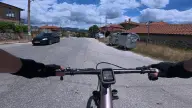
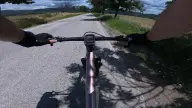
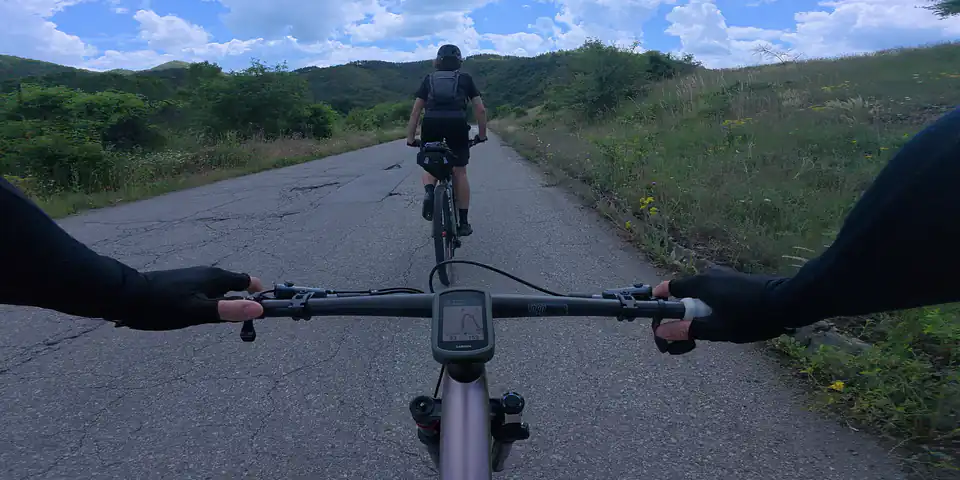
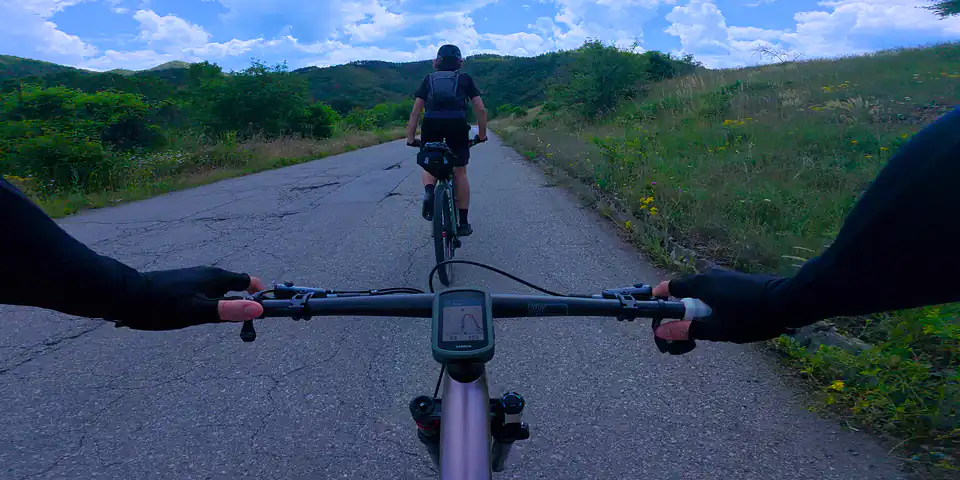
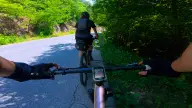
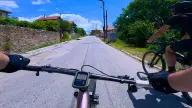
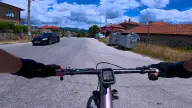
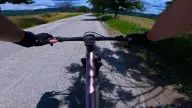
Cut it together. Thirty transitions at every cut: dissolves, pushes, whip pans, spins and glitch cuts. Pick one, then apply it to all cuts. 8 on every plan · all 30 in Creator
A 3D route map for every style.
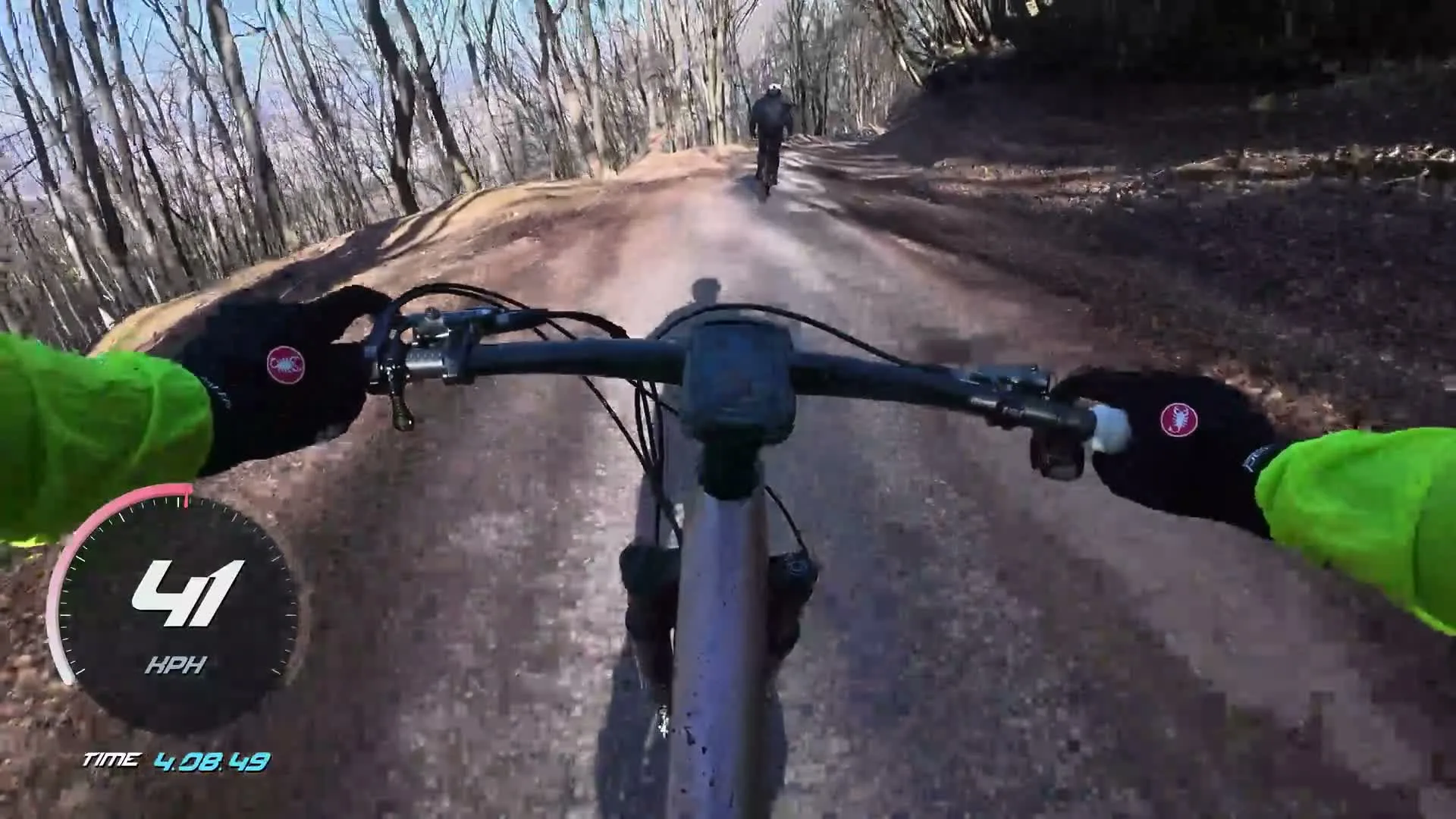
Relief, Ridge, Chase and Pursuit Radar, here on one forest trail at 30 km/h. There's also Rider View, Street Radar, and satellite, terrain and trail maps like the coast road at the top of this page.
Included in the Creator planKnow what’s left of every climb.
The Climb Tracker finds the climbs in your ride and shows the distance and height to the top, the grade ahead and a profile of the climb coloured by gradient, with you on it.
Here, about 1.2 km and 110 m from the top of a 13 km climb.
Free on every planGPS video overlays for any activity.
If your watch or phone recorded it, Movaro can put it on the video. This game drive in South Africa was saved as a walk on a smartwatch: 21 km in three hours, heart rate included.
Running, skiing, driving, flying: any GPX, FIT or TCX file works.
Free on every planOverlay layouts, ready to use.
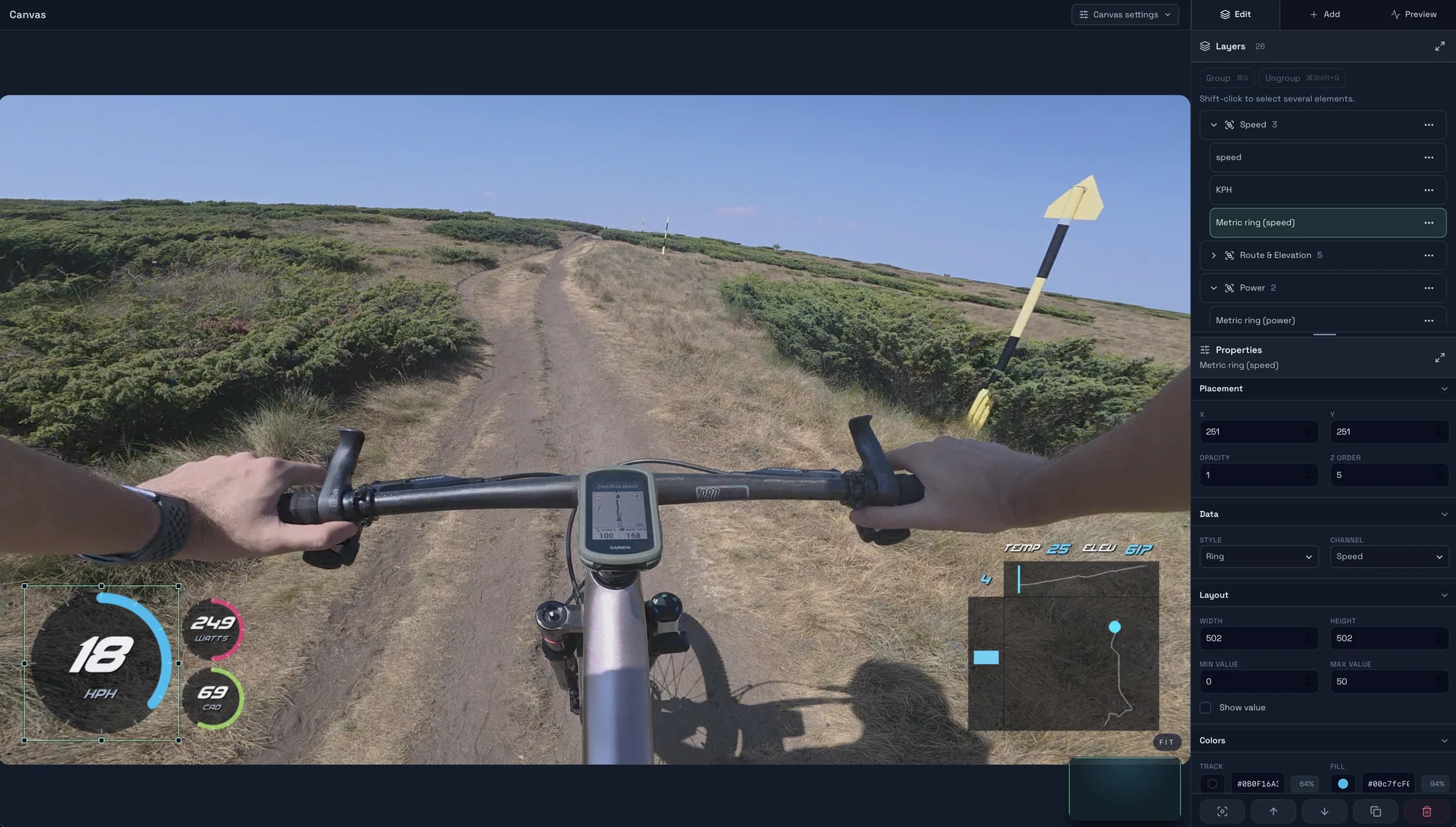
Start from an official layout or one the community shared. Install it in one click from the app's Layouts tab, with no sign-in, then make it yours in the layout editor: adjust its readings, colours and placement around your footage.
Or design your own, down to the last number.
Start from a blank canvas in the layout editor. Drop in any reading, style every gauge, map and profile, and save it as your own look, ready for every ride.
Pricing: free to start, Creator for the big stuff.
Creator and Studio start with a 14-day trial, and every paid plan has a 30-day money-back guarantee.
| Free€0forever | Creator€2.50 / monthBilled €30 a year | Studio€4 / monthBilled €48 a year | Founder€49 once |
|
|---|---|---|---|---|
| Unlimited videos, no time limit | Yes | Yes | Yes | Yes |
| Auto-sync and every gauge look | Yes | Yes | Yes | Yes |
| Video editing | Music, titles, 8 transitions, 6 colour looks, 7 effects | All 30 transitions, 22 title templates, 16 colour looks, 17 effects, video layers, recipes | All 30 transitions, 22 title templates, 16 colour looks, 17 effects, video layers, recipes | All 30 transitions, 22 title templates, 16 colour looks, 17 effects, video layers, recipes |
| Video sizes | 1080p, 1440p, 4K | 1080p, 1440p, 4K | Plus custom sizes | Plus custom sizes |
| Export quality | Standard | High | Ultra | Ultra |
| Gauges update | 3 times a second | Up to 60 times a second | Up to 60 times a second | Up to 60 times a second |
| 3D route maps | Flat ground | Terrain and satellite | Terrain and satellite | Terrain and satellite |
| Ghosts and race position | — | Yes | Yes | Yes |
| AI highlights | — | 5 activities a month | 60 activities a month | 60 activities a month |
| Extra camera angles | — | 2 | Unlimited | Unlimited |
| Computers | Any number | 2 | 5 | 2 |
| Download free | Try Creator free | Try Studio free | Get Founder |
Trials need a card. Cancel before day 14 and you pay nothing. See every feature
Questions about Movaro
Will it work with my camera?
If it records MP4 or MOV, yes: GoPro, DJI, Insta360, your phone and more. Movaro lines your clips up with your activity by their recording time, so your camera doesn't need GPS. If a camera clock is a little off, nudge it by a few seconds.
Where does my activity come from?
Connect Strava, or drop in a GPX, FIT or TCX file from your Garmin, watch, phone or bike computer.
Does it work for my sport?
Cycling, running, skiing, driving, flying and more. If it's on Strava or in a GPX, FIT or TCX file, Movaro can put it on the video.
How is Movaro different from other overlay apps?
Movaro is built around the whole ride video, not a single clip. It lines up every clip with your activity on its own, races you against ghosts, finds your highlights, lets you edit with music, titles and transitions, and exports 4K natively on your computer. Prefer your own editor? Export the overlay as a separate file and drop it on your timeline.
Will it run on my computer?
Movaro runs on Macs with Apple silicon (macOS 15 or later), Windows PCs and Linux.
Is the free plan really free?
Yes. Make and export as many videos as you like, with no time limit, 4K presets and manual highlights included in Free. Free also has music, all 48 text styles, clip speed and freeze frames, and a starter set of title templates, transitions, colour looks and effects. Creator adds animated Slope Indicators, race-position tools, graphs, compass, and image overlays, along with ghosts, terrain and satellite 3D maps, AI highlights, video layers, edit recipes and every transition, effect, colour look, title template and animation. Studio adds Ultra quality, custom sizes and far more AI highlights.
Can I add a second camera?
Yes. Creator adds camera tracks with picture in picture, and Cutaways, so a friend's camera or a rear view plays in sync with your ride.
Does AI highlights upload my video?
No. Highlights explorer finds the moments on your computer. AI review then ranks them for GPX, FIT or TCX files you upload; for an activity imported from Strava, upload your own recording of it. Your footage never leaves your computer.
Is there an iPad or phone version?
Not yet. Movaro runs on Mac, Windows and Linux today. An iPad version is next, followed by Android and iPhone. On your phone now? Open getmovaro.com on your computer to download it.
Your footage is waiting.
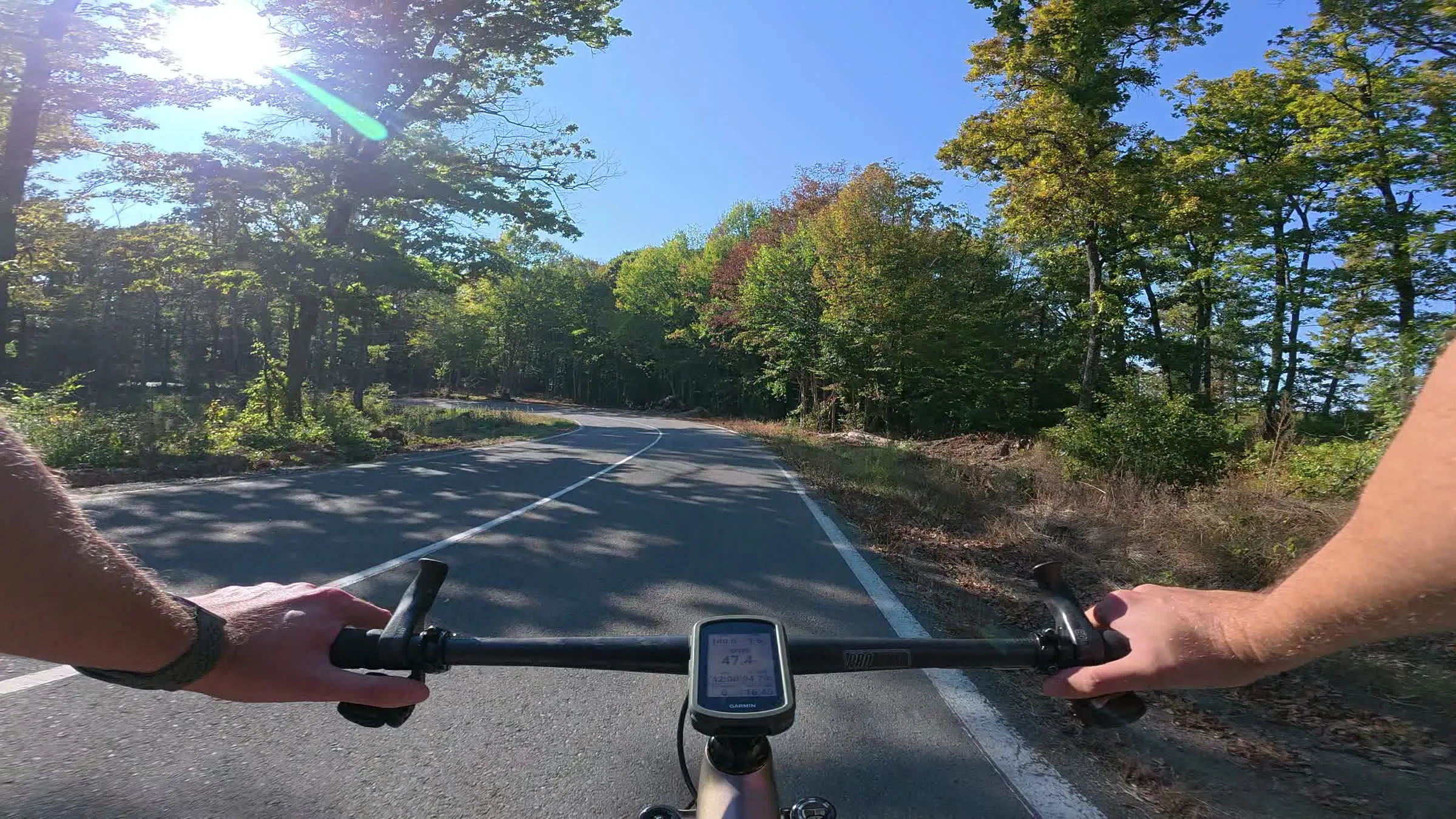
Put your last ride, run or ski day on the video tonight. Free.
Download for your computerFree for Mac, Windows and Linux