macOS
For Apple silicon Macs.
- Version
- 1.6.3
- Requires
- macOS 15 or later
- Installer
- .dmg · universal
Choose your platform and start editing. No account is required, and Movaro processes your footage on your own computer.
Version 1.6.3 · Free, with no time limit
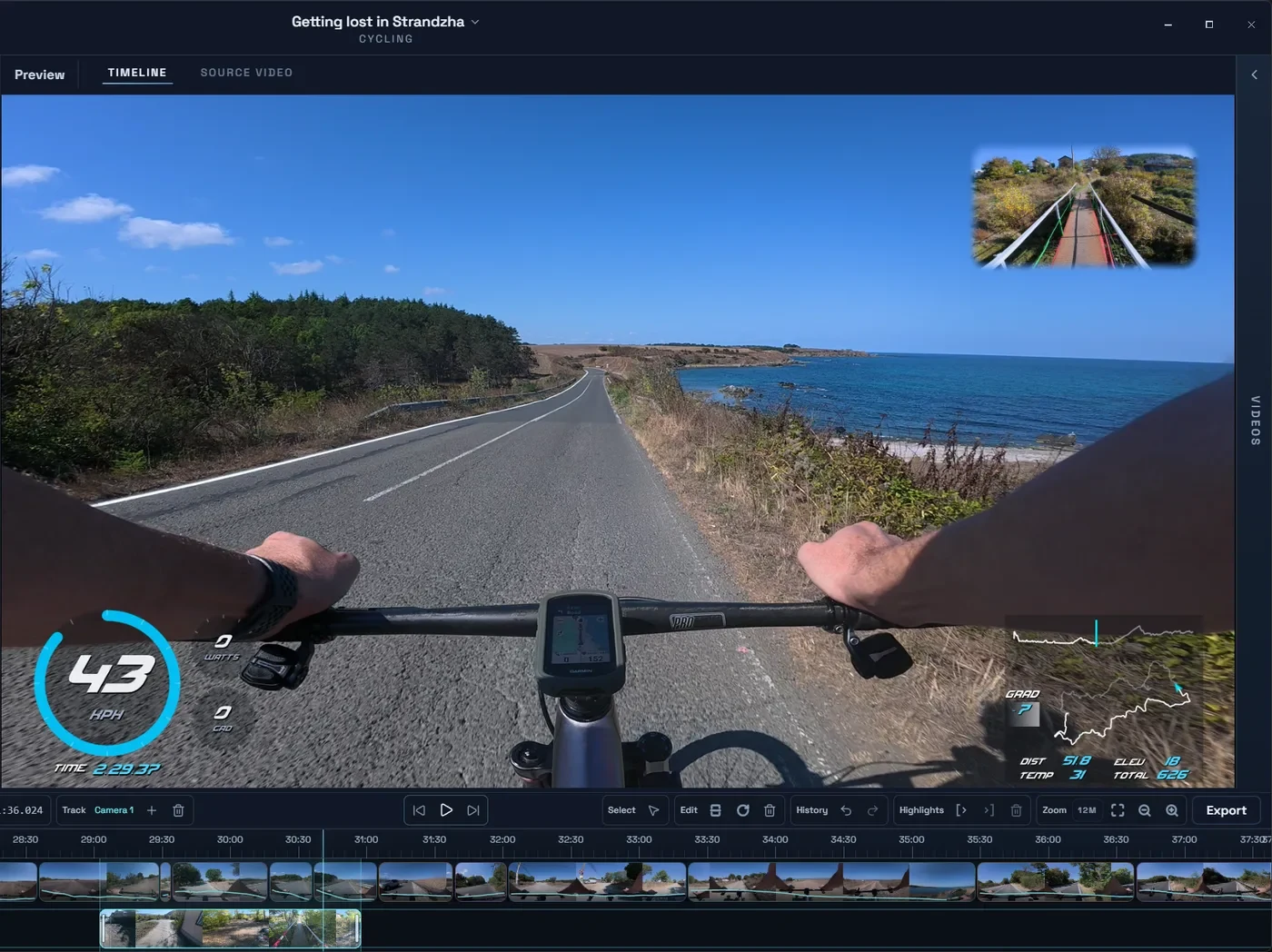
Every installer runs the same editor and renders on your own computer. Your platform is highlighted when it can be detected.
For Apple silicon Macs.
For 64-bit Windows PCs.
AppImage for 64-bit Linux, including Ubuntu and Fedora.
Open the installer you downloaded and follow the steps for your computer.
Drop in your clips and add your activity from Strava or a GPX, FIT or TCX file. Every clip lines up on its own.
Free needs no key. Bought Creator, Studio or Founder? Paste the license key from your email on the welcome screen.
Need help installing? Read the installation and license guide.
Movaro runs on Mac, Windows and Linux today. An iPad version is next, followed by Android and iPhone. Leave your email and we’ll tell you the day it arrives.
No. Download, install and start editing. A license key is only needed for Creator, Studio or Founder.
No. Movaro edits and renders on your computer, and works offline once it's installed. Connected features like Strava import need the internet.
Macs with Apple silicon running macOS 15 or later.
Free runs on any number of computers. Creator covers 2, Studio 5 and Founder 2.