Movaro 1.2: more activity data, new layouts and Community sharing
FIT and TCX imports, ready-to-use layouts, Community sharing and a more capable Free plan bring more of your recorded activity into the video.
 Georgi Kostadinov Founder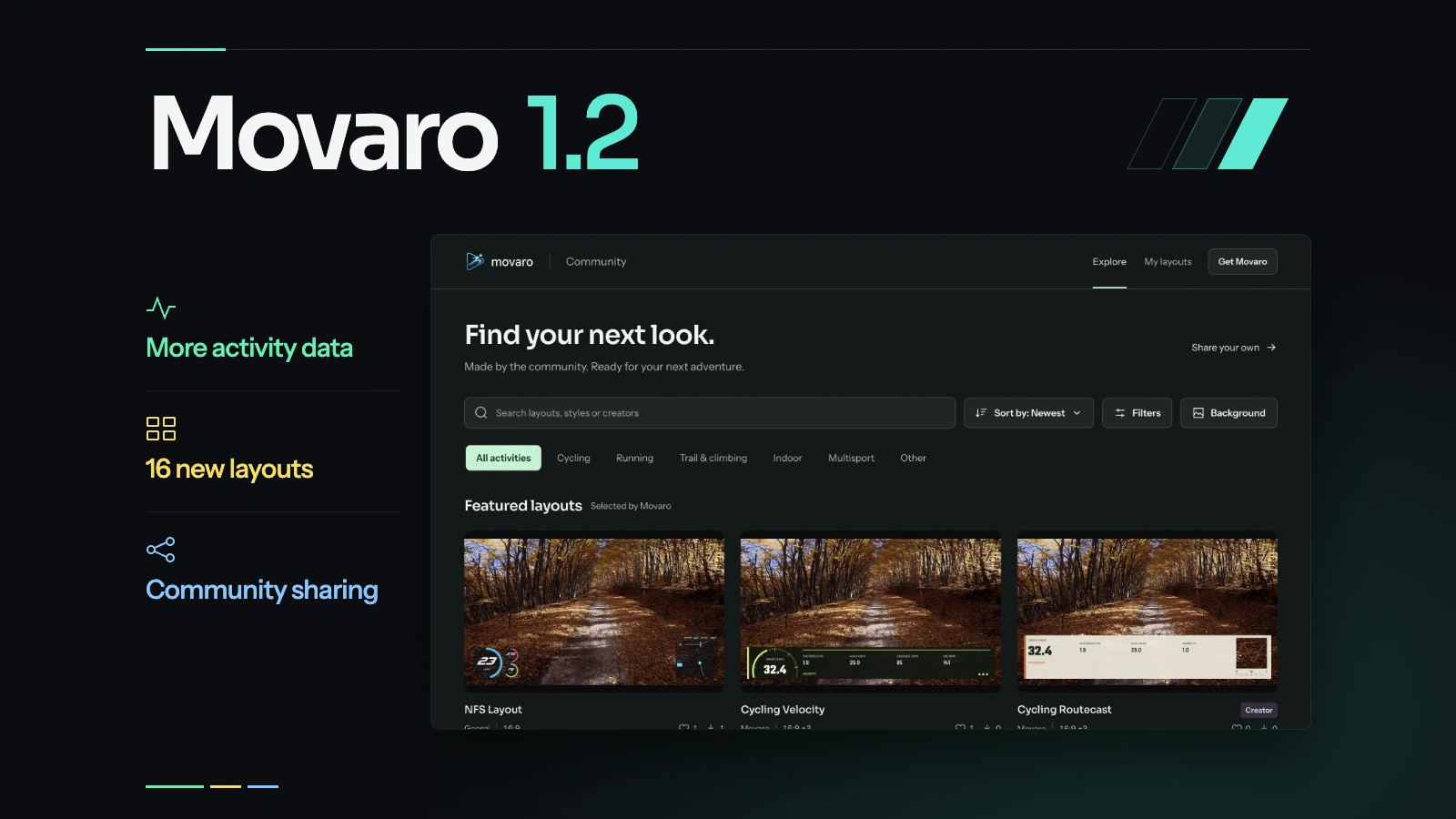
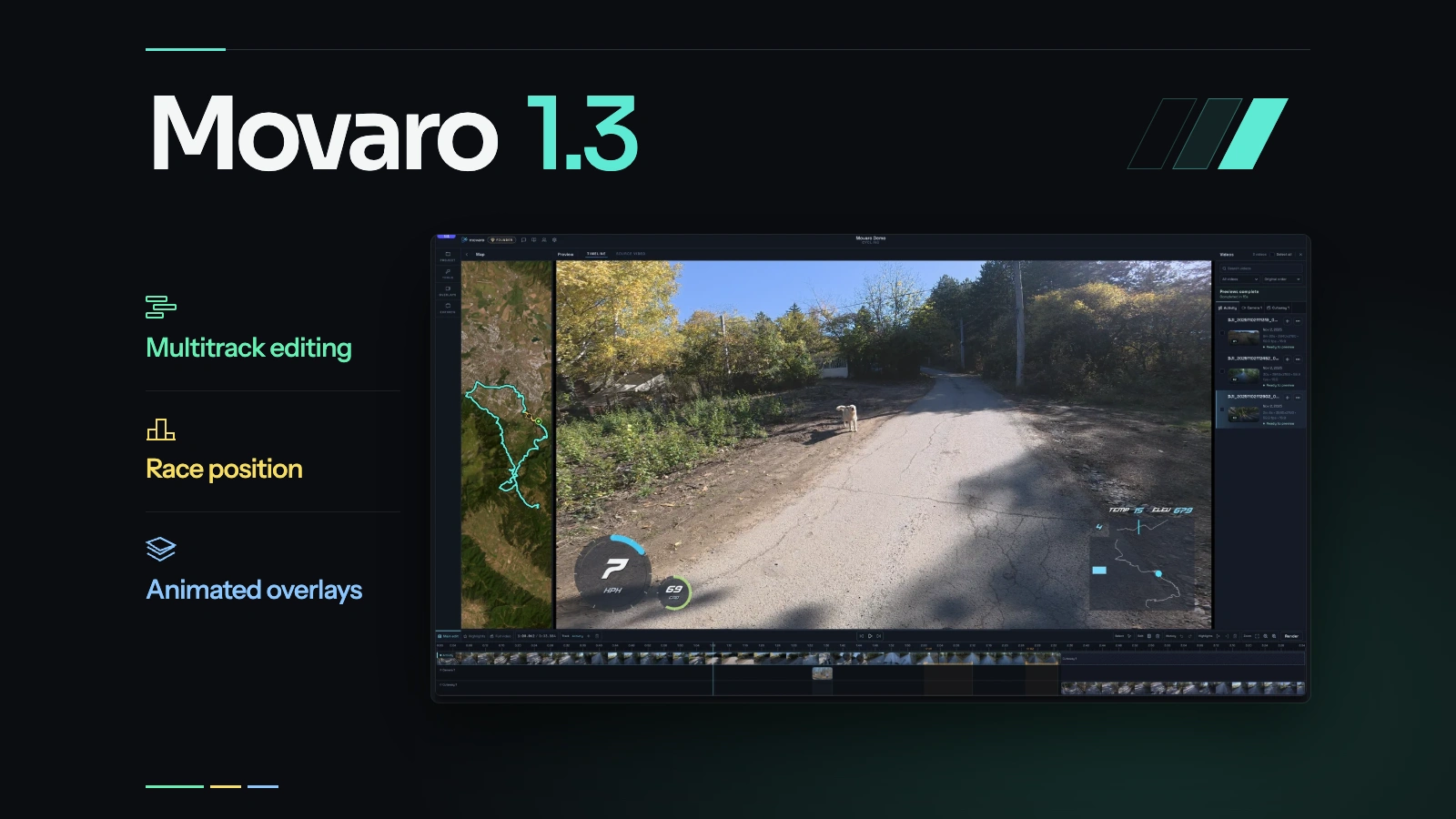
Movaro 1.2 brings more recorded activity data into your videos, adds a collection of ready-to-use layouts, and introduces Community layout sharing. It also expands Free and adds guided sync and export steps to help you get a first video finished.
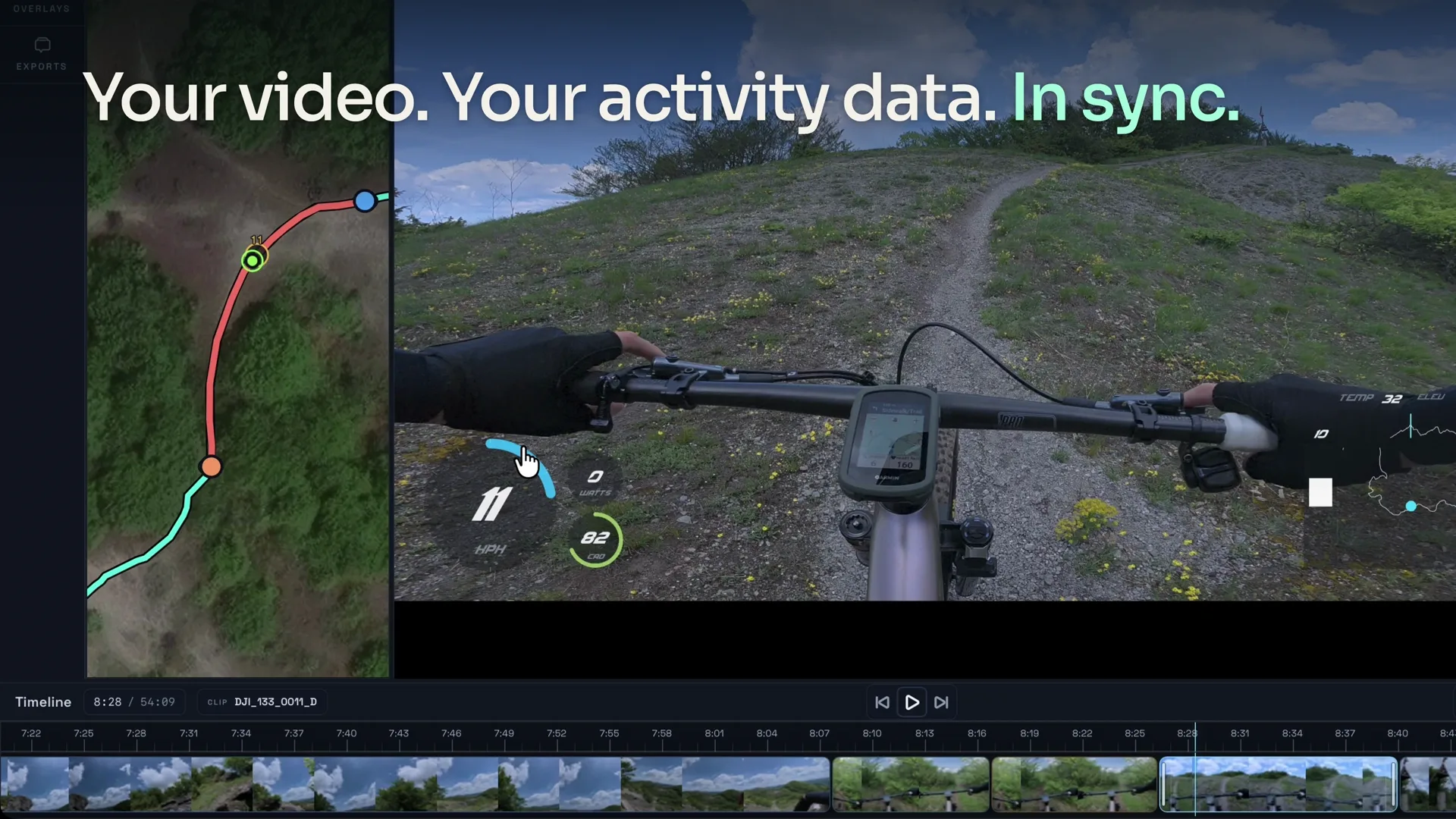
The starting point is still your footage and the activity you recorded alongside it. That could be a hike, a ski day, a ride or a run. The data adds context to what the camera sees: the shape of a climb, the route through the trees, or the effort behind a quiet-looking section.
Start with a look you can use
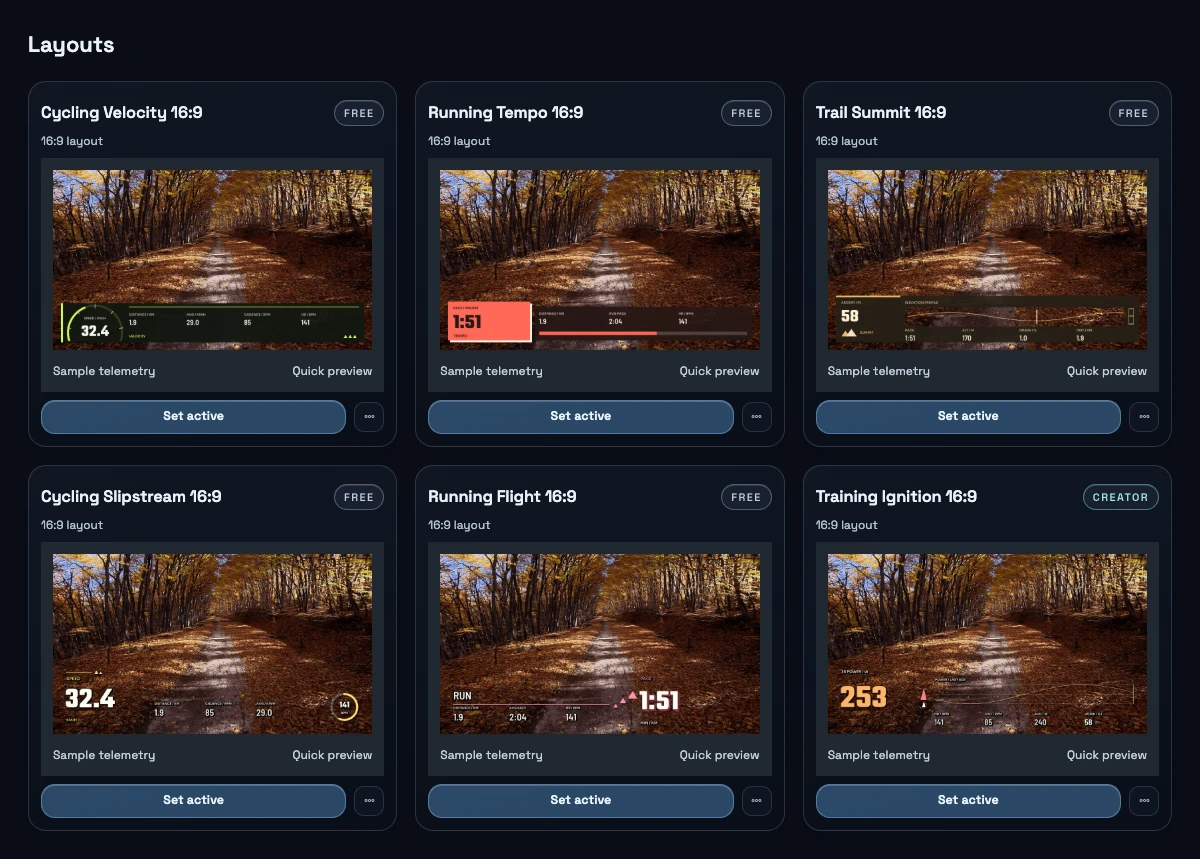
You can choose from 16 new sport designs, each arranged for 16:9, 9:16, 1:1 and 4:3, alongside the general-purpose Movaro defaults. Some keep the readings in panels; others place text and instruments directly over the footage with transparent backgrounds and shadows.
Choose a layout that suits the shot and the data you have. Preview it, make an editable copy, and change the colors or move elements around the action. The gallery distinguishes Free designs from those using Creator elements.
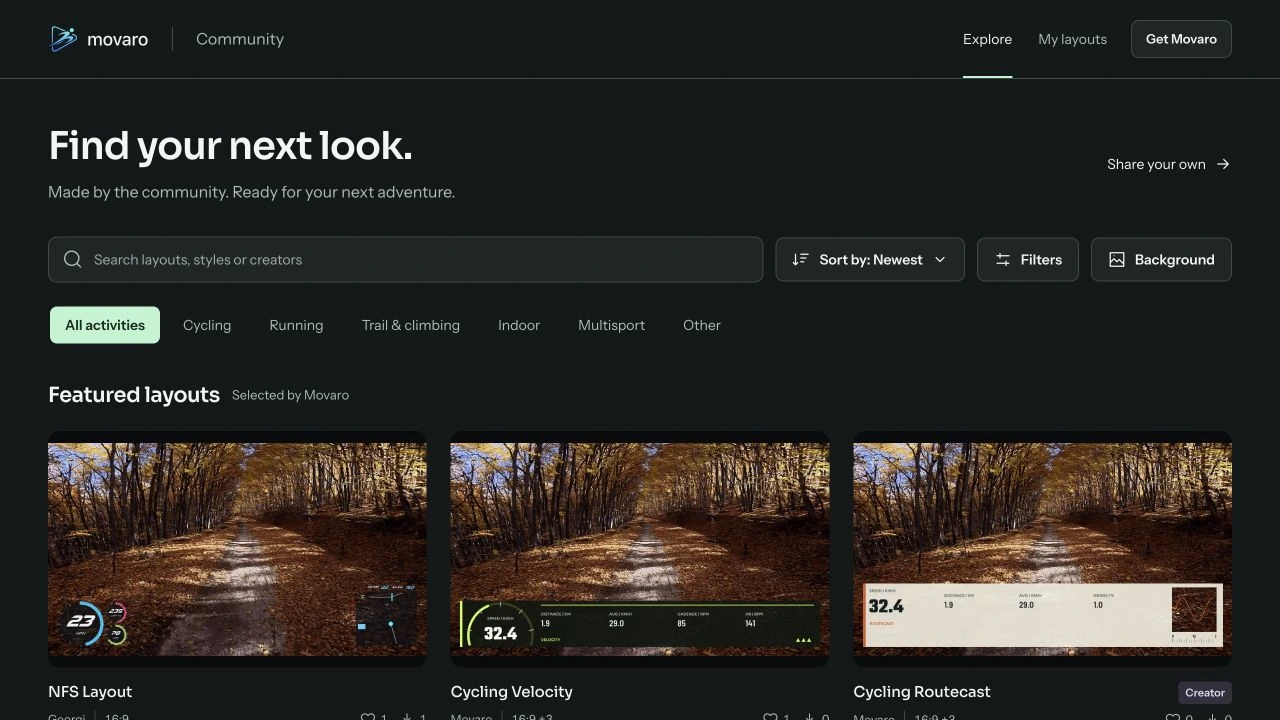
Community gives you another place to find a design. Browse by activity, aspect ratio or plan, preview a layout and install it in Movaro. You can also export a portable .movaro package or share your own layout through a private draft.
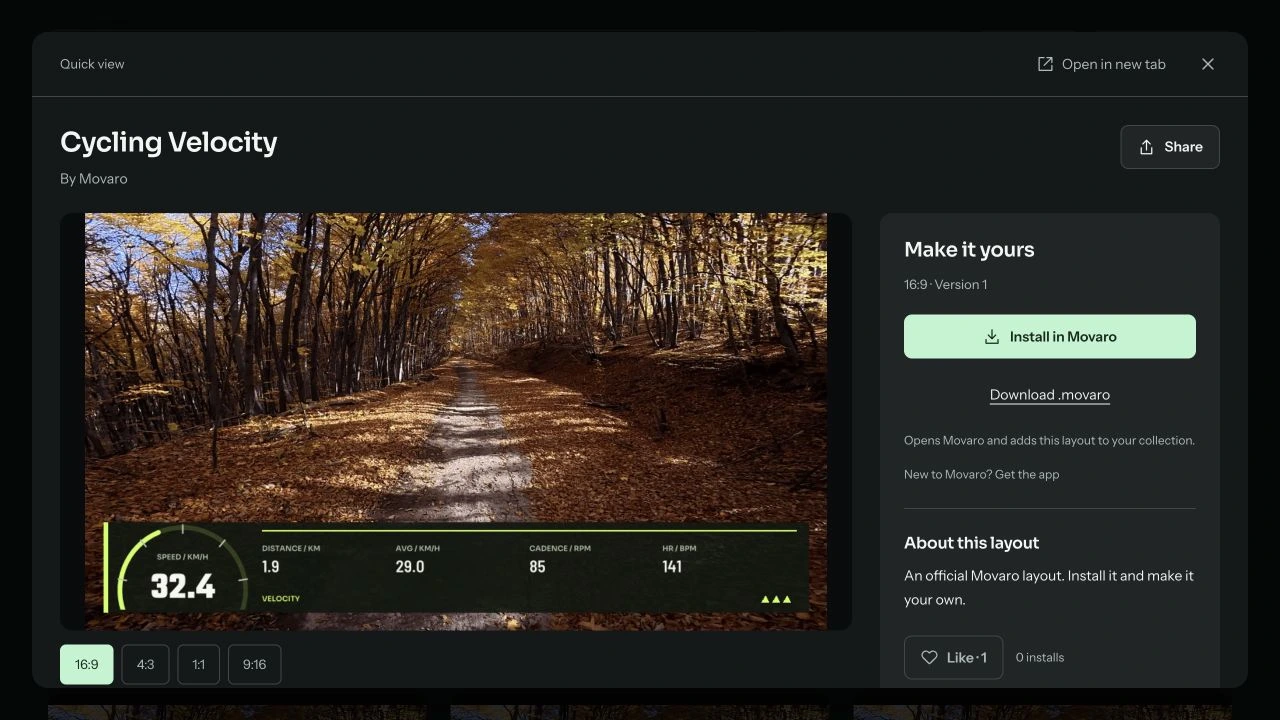
Bring the recording that matches your footage
Alongside GPX and Strava, Movaro now imports FIT and TCX files. If a file contains several activity sessions, choose the one that matches the footage. Indoor recordings can display their available sensors without a GPS route.
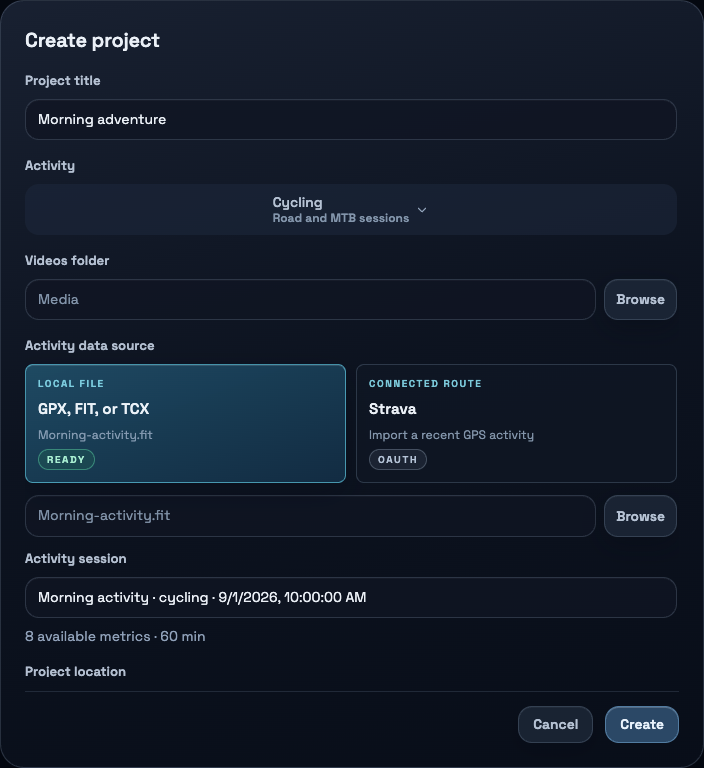
New calculations include pace, average and maximum speed, ascent and descent, rolling power and work in kJ. Meters can show a reading against a range, while Creator graphs show how a metric changes through the activity. What you can display depends on the recording: adding a power graph does not create missing power measurements.
More of the workflow is included in Free
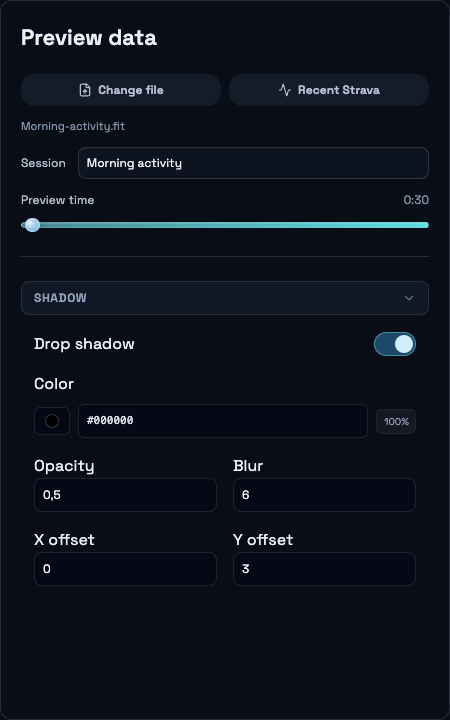
Free now includes manual sync, full color and transparency controls, basic gauges, metric rings, meters, layout import/export and Community sharing. You can import an activity, customize a layout, edit footage and export a finished video.
Graphs, compass and image elements remain Creator features, along with higher overlay frame-rate presets and orientation controls. Studio adds custom canvas dimensions and Extreme Quality. Founder includes Studio feature access on two devices.
Finish with the settings you intended
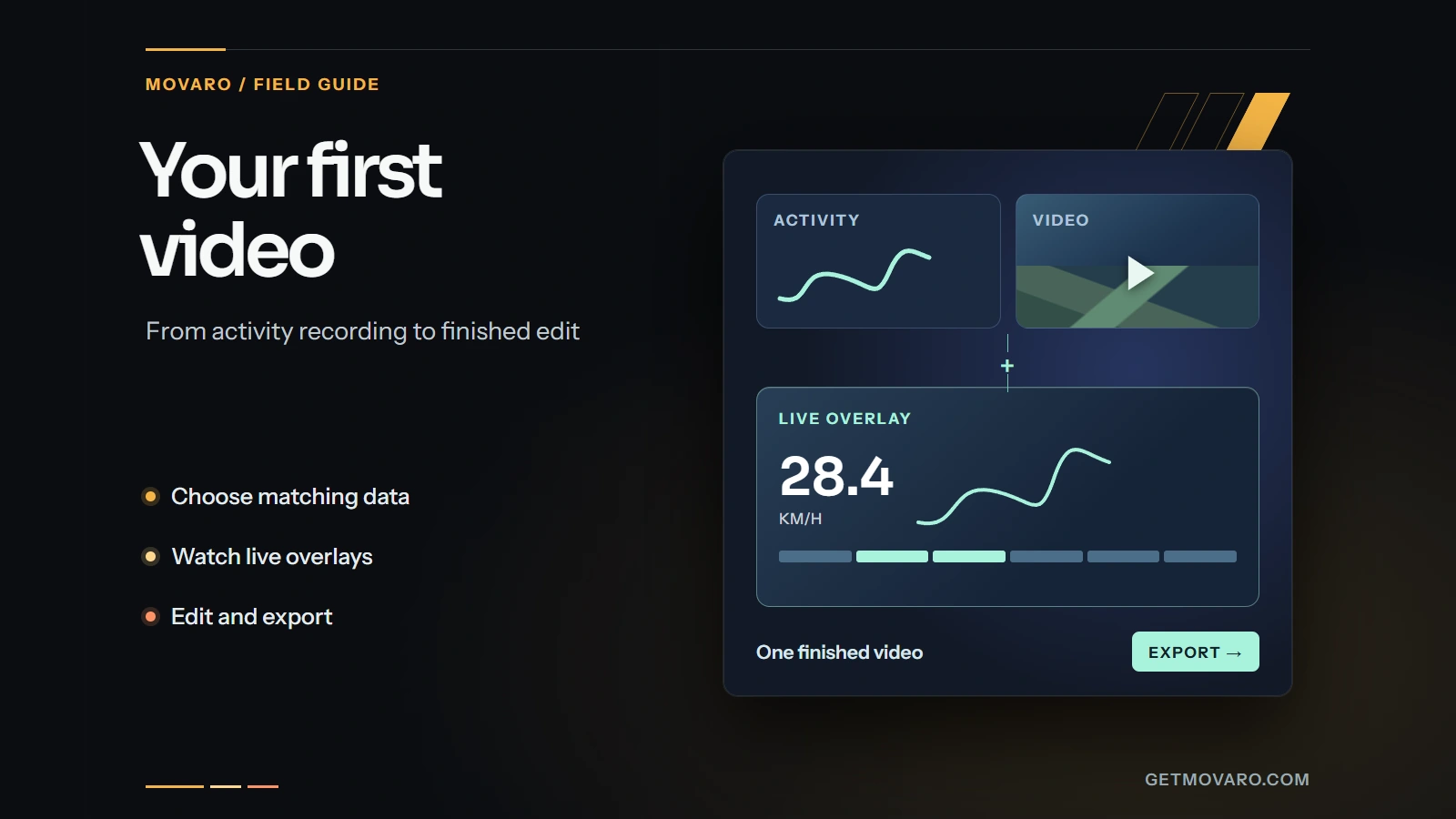
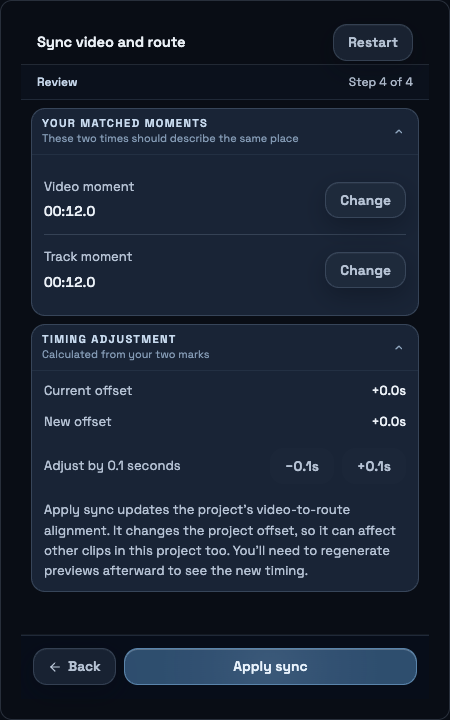
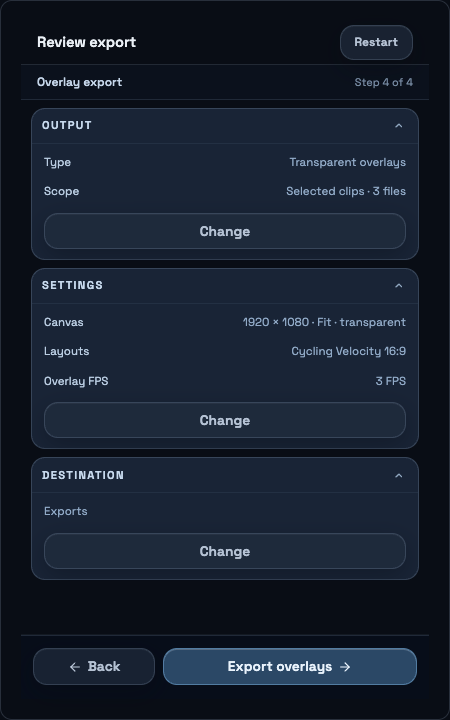
The first-project guide helps you select a layout, generate previews, check playback and review export settings. The sync tool walks through matching a video moment to the route. When layout or timing changes make a preview outdated, Movaro explains what needs regenerating.
In Exports, choose a timeline movie, individual clips or transparent overlays for another editor. Review the settings and destination, and make optional changes for that export without altering the project's saved settings. Editing and rendering happen on your device; Community and Strava are connected services.
The release history contains the detailed changelog and fixes. Check the download page for the current build available for your platform, then start with a short clip and its matching activity.
Explore these overlays
Choose a design from Movaro Community and make it your own.
Your footage is waiting.
Put your last ride, run or ski day on the video tonight. Free.
Georgi Kostadinov
Founder at Movaro. Building tools for adventurers who want to share their stories.