
News, releases and guides
What’s new in Movaro, a closer look at every release, and better ways to turn GPS data and footage into videos people watch to the end.
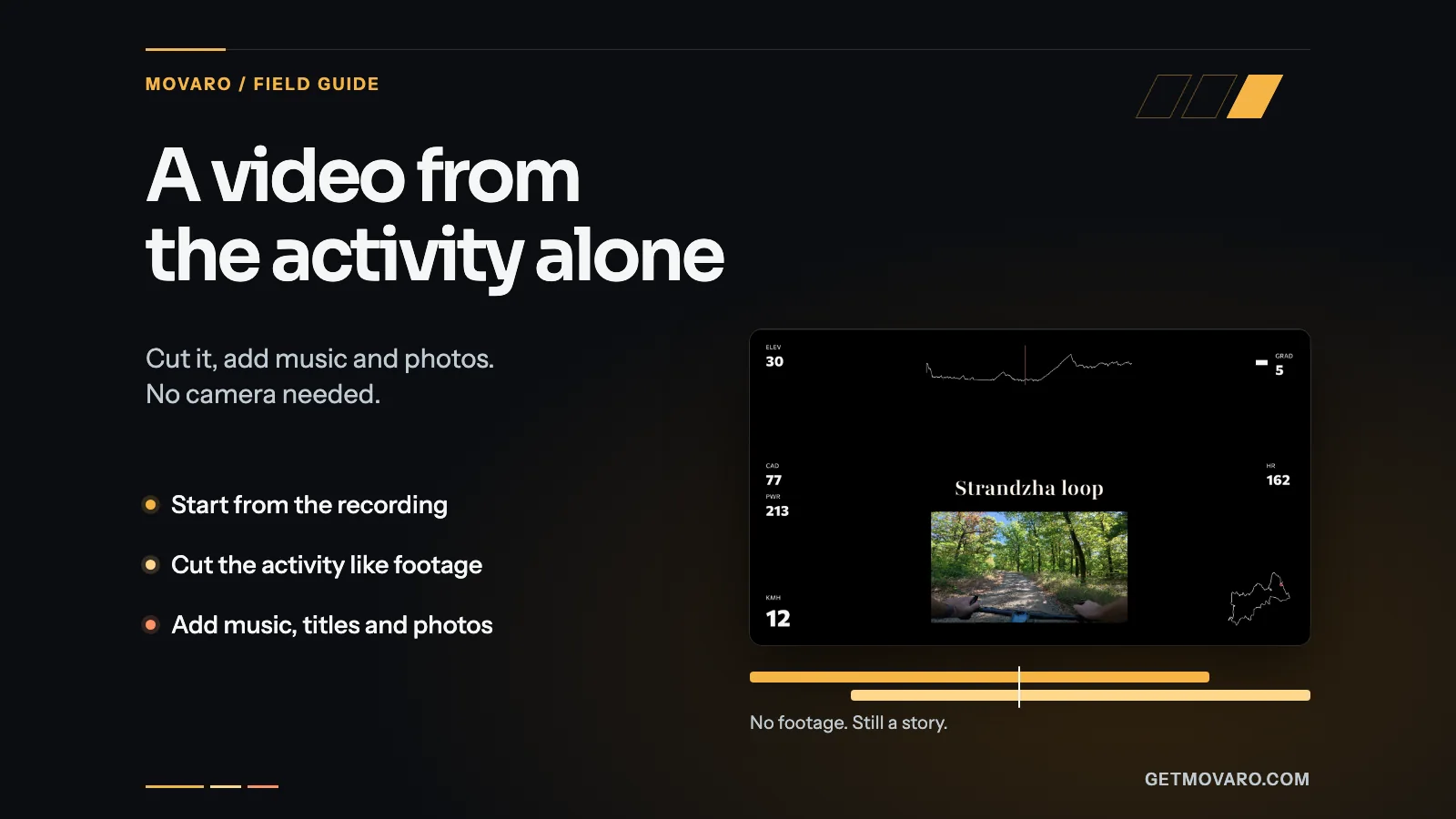
Make a video from the activity alone: no footage needed
Movaro 1.7's Activity timeline turns a GPX, FIT or TCX recording into an editable video: cut the activity like footage, change its pace, add music, titles and photos, and export it as a movie or an overlay.
Read articleLatest
Filtered by tag: fit Clear
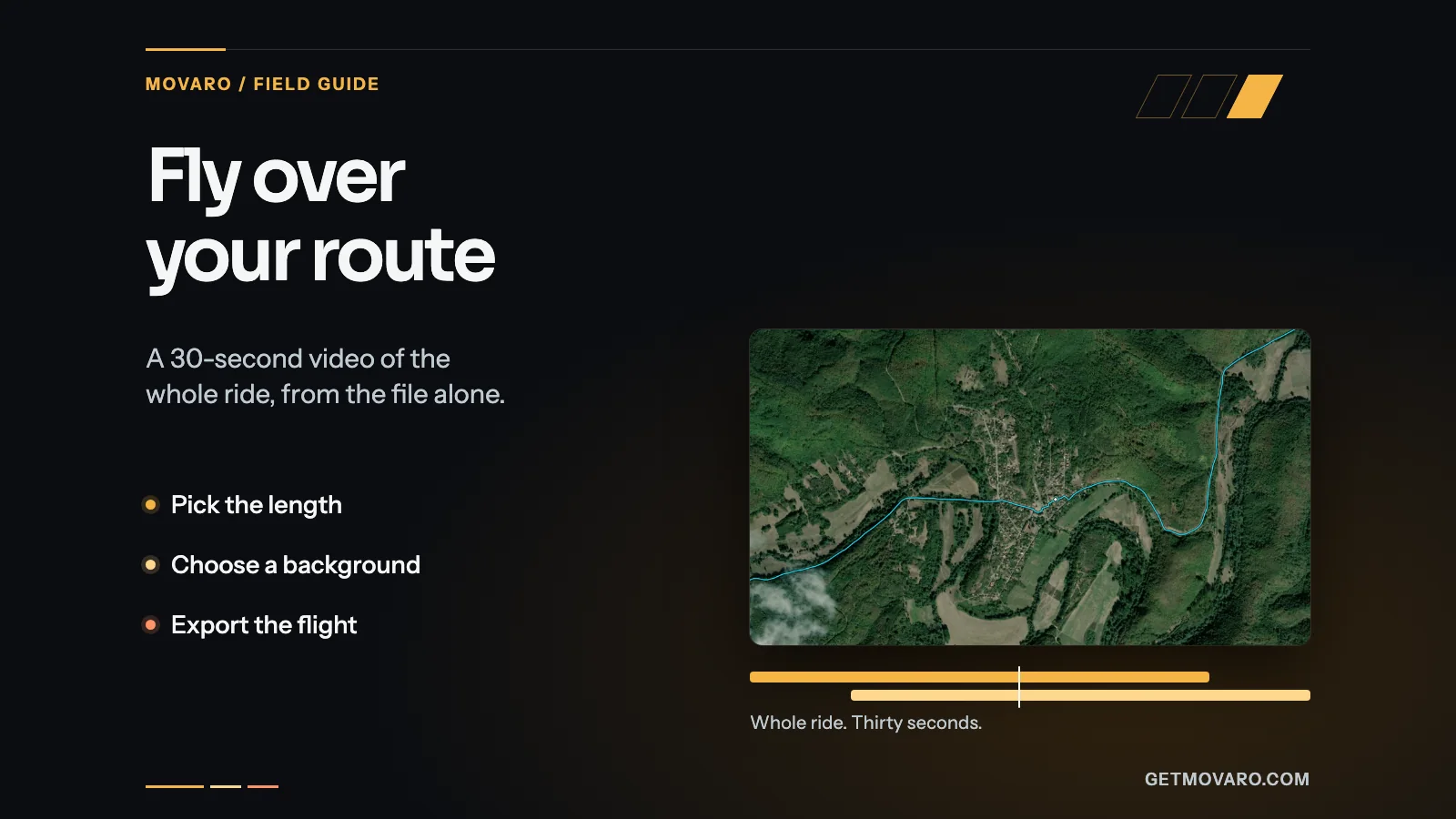
Make a route flyover video from your GPX or FIT file
Turn an activity file into a 30, 45 or 60 second flight over your route with Movaro 1.7's Flyover projects and the Route flyover export: the length, the background, layouts that follow you, and what the readings do at that speed.
5 min read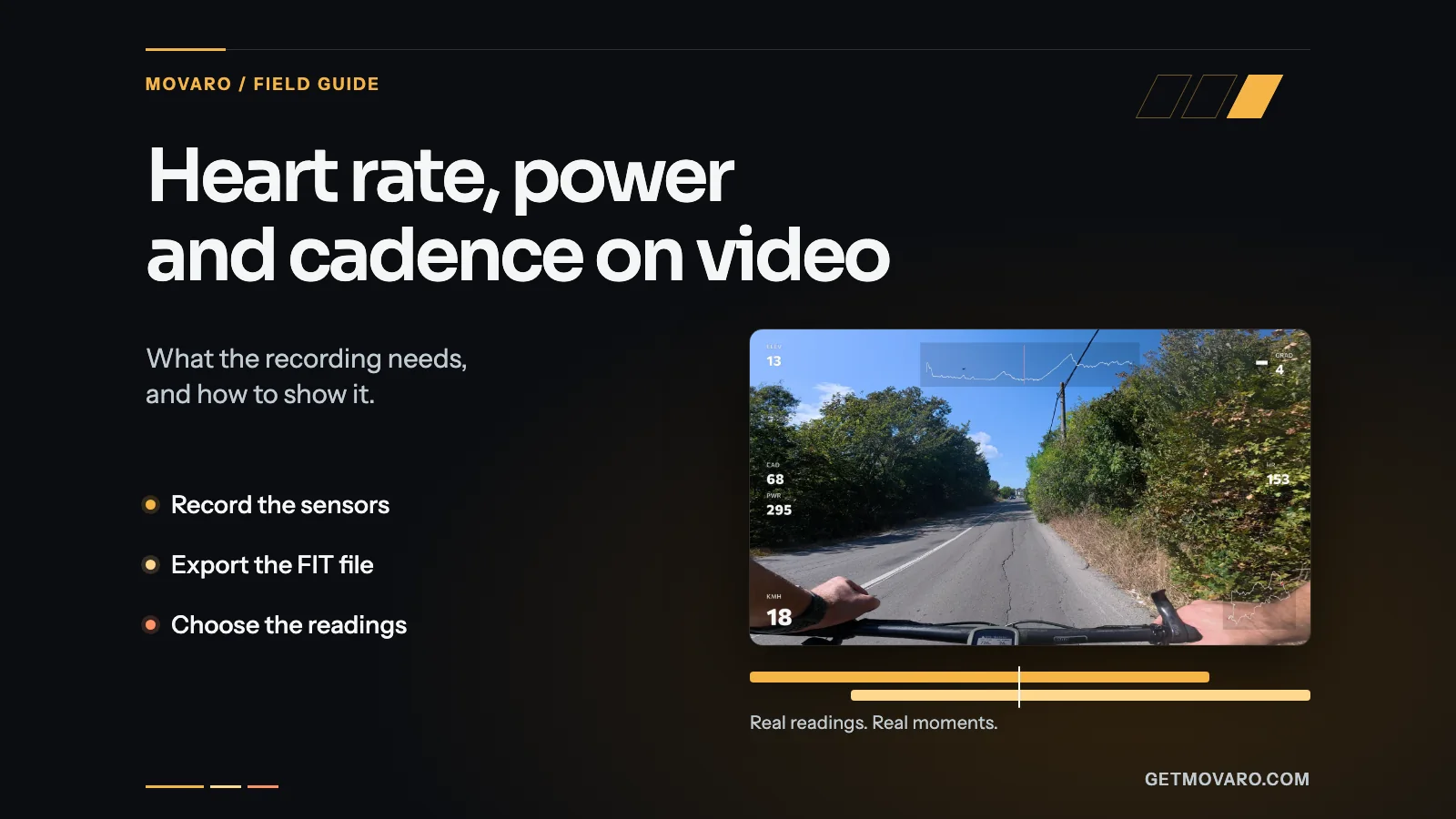
Heart rate, power and cadence on your video: what the recording needs
Sensor readings reach your video only if the recording has them. Which sensors to pair, which file to export (the FIT file keeps the most), and how to show heart rate, power and cadence in Movaro without covering the footage.
4 min read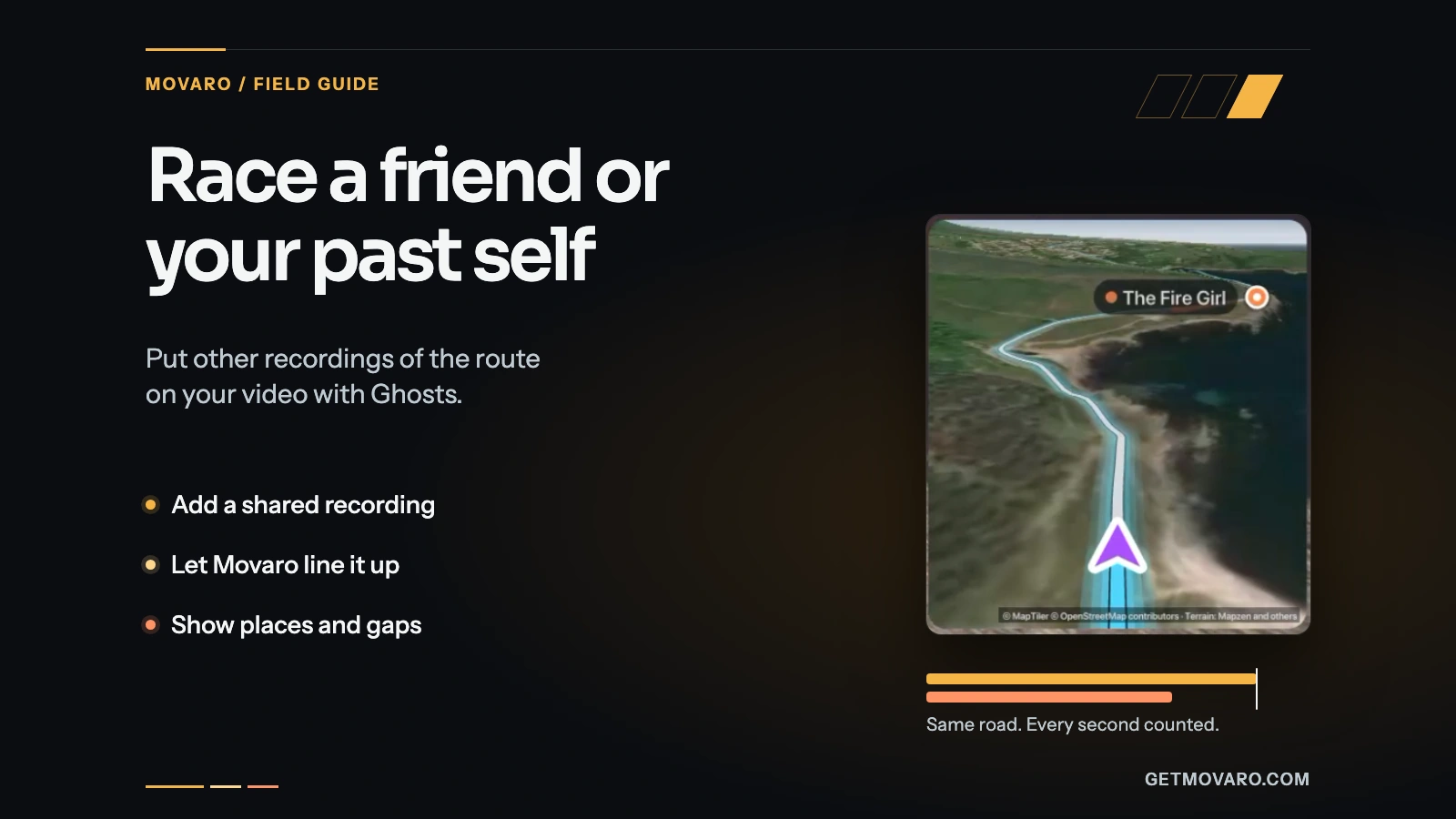
Race a friend or your past self on video with Ghosts
Add a friend's GPX or FIT file or one of your earlier attempts, let Movaro line the recordings up, and show places, gaps and the finish order on your video.
8 min read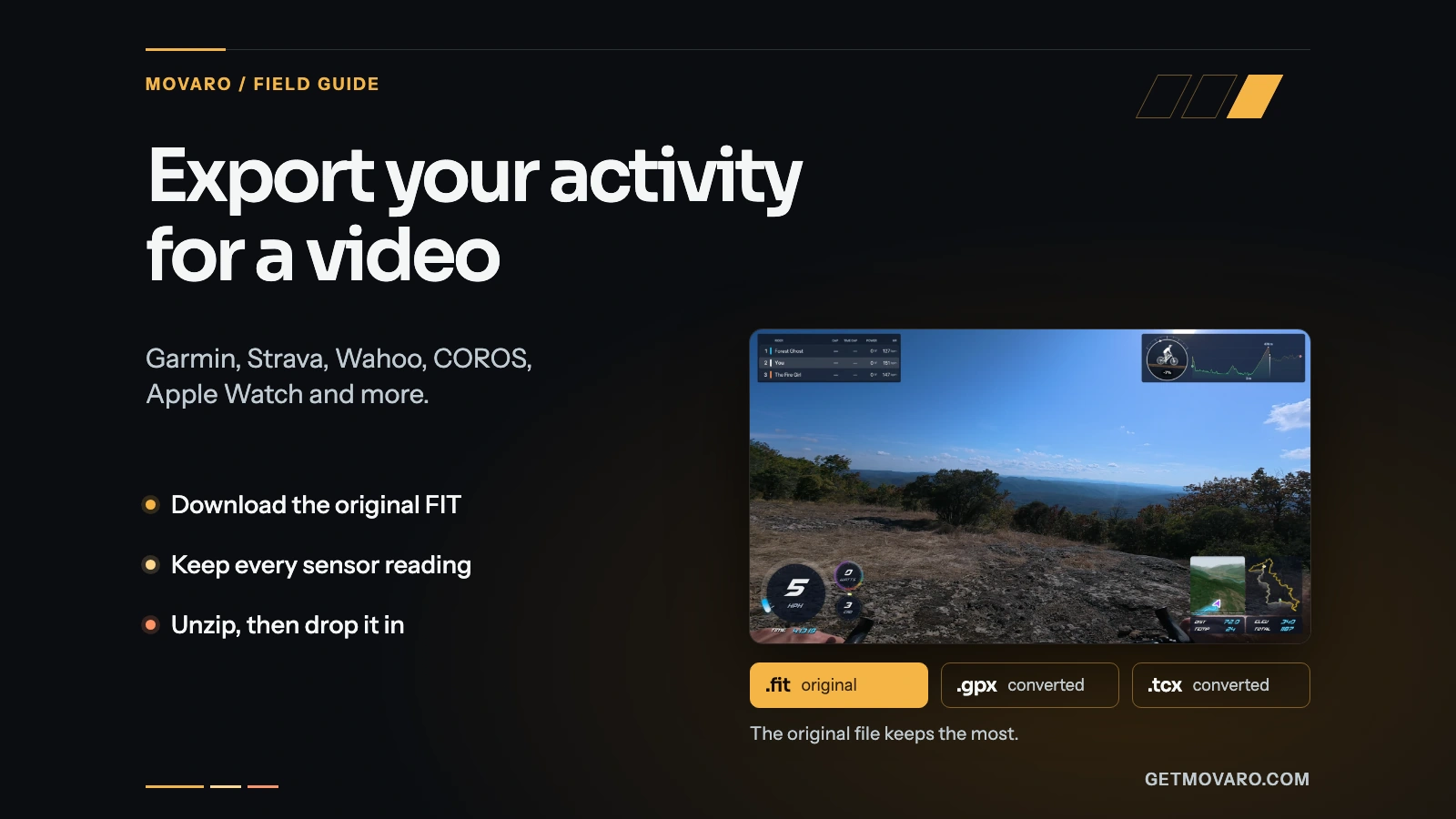
Export your activity for a video: Garmin, Strava, Wahoo, COROS or Apple Watch
Find the export in Garmin Connect, Strava, Wahoo, COROS, Apple Watch and more, choose the file that keeps your sensor readings, and bring it into a Movaro project.
7 min read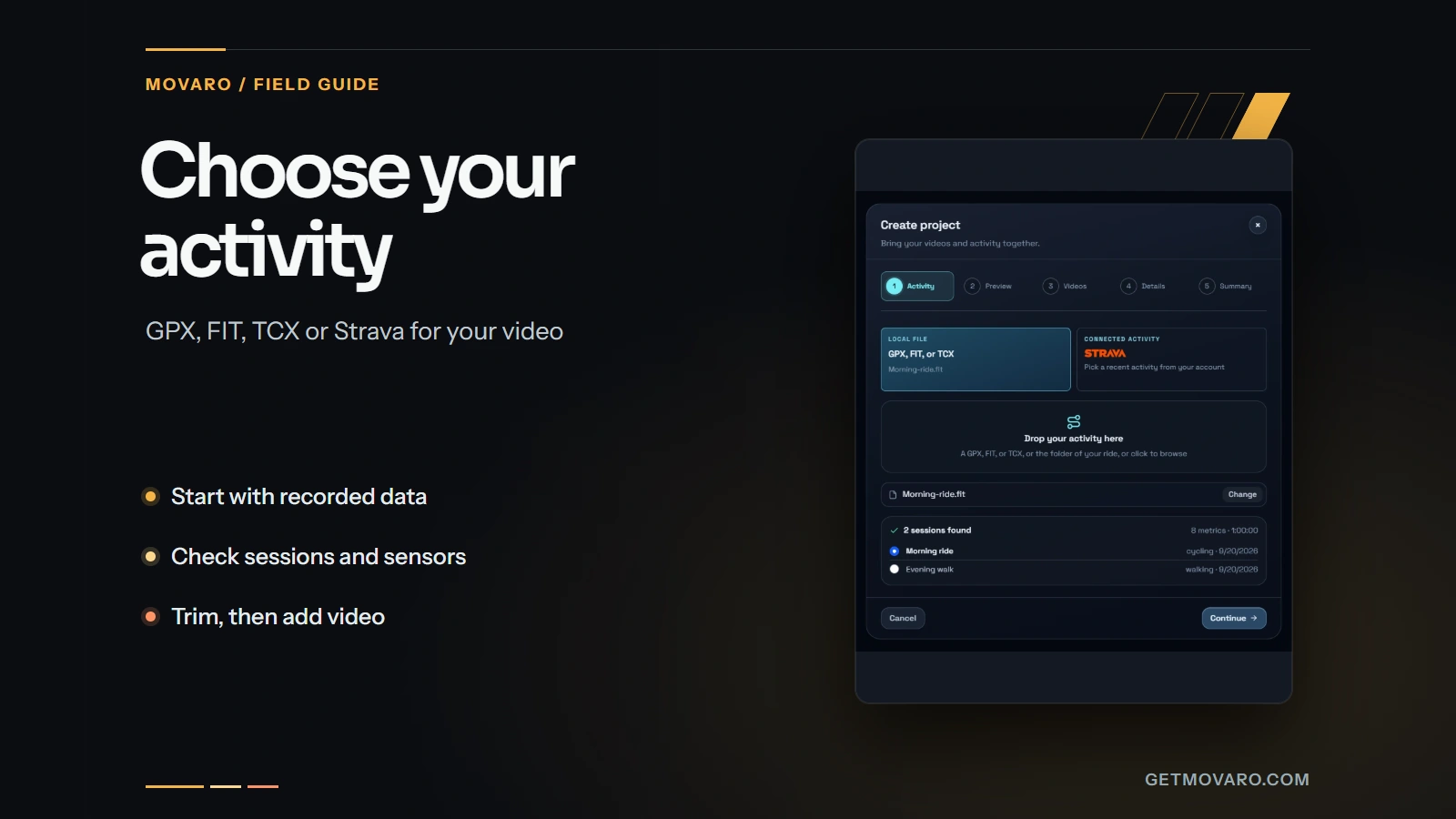
Choose an activity recording for your video: GPX, FIT, TCX or Strava
Choose a GPX, FIT, TCX or Strava activity, check its sessions and sensors, trim the right time range, and verify the data against your footage in Movaro.
4 min read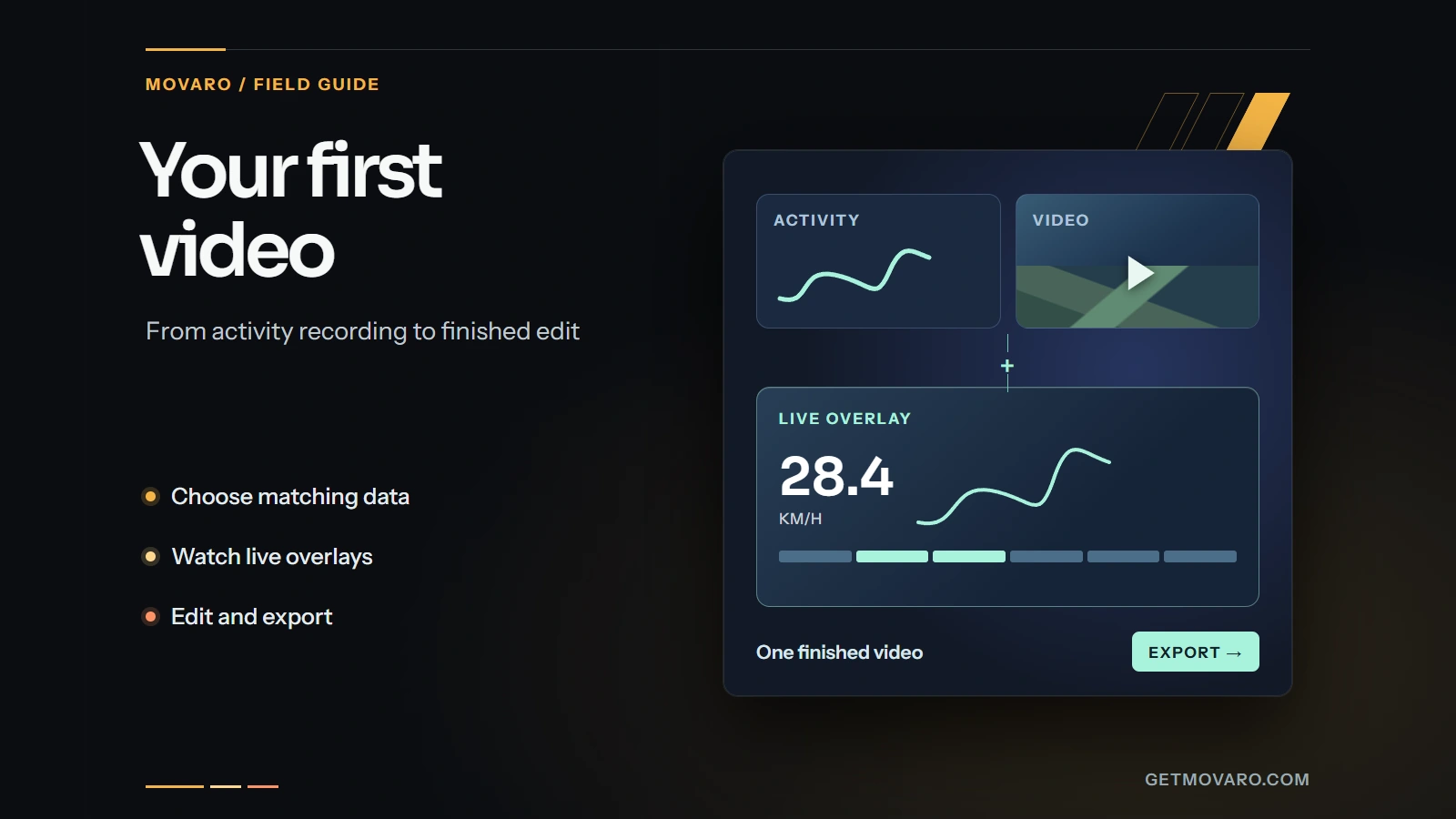
Your first video with activity overlays in Movaro
Start with a timed GPX, FIT, TCX or Strava activity, add a matching clip, check the live overlay, and export your first short video in Movaro.
4 min readStay in the loop
Product updates, tips and behind-the-scenes stories, in your inbox.