
News, releases and guides
What’s new in Movaro, a closer look at every release, and better ways to turn GPS data and footage into videos people watch to the end.
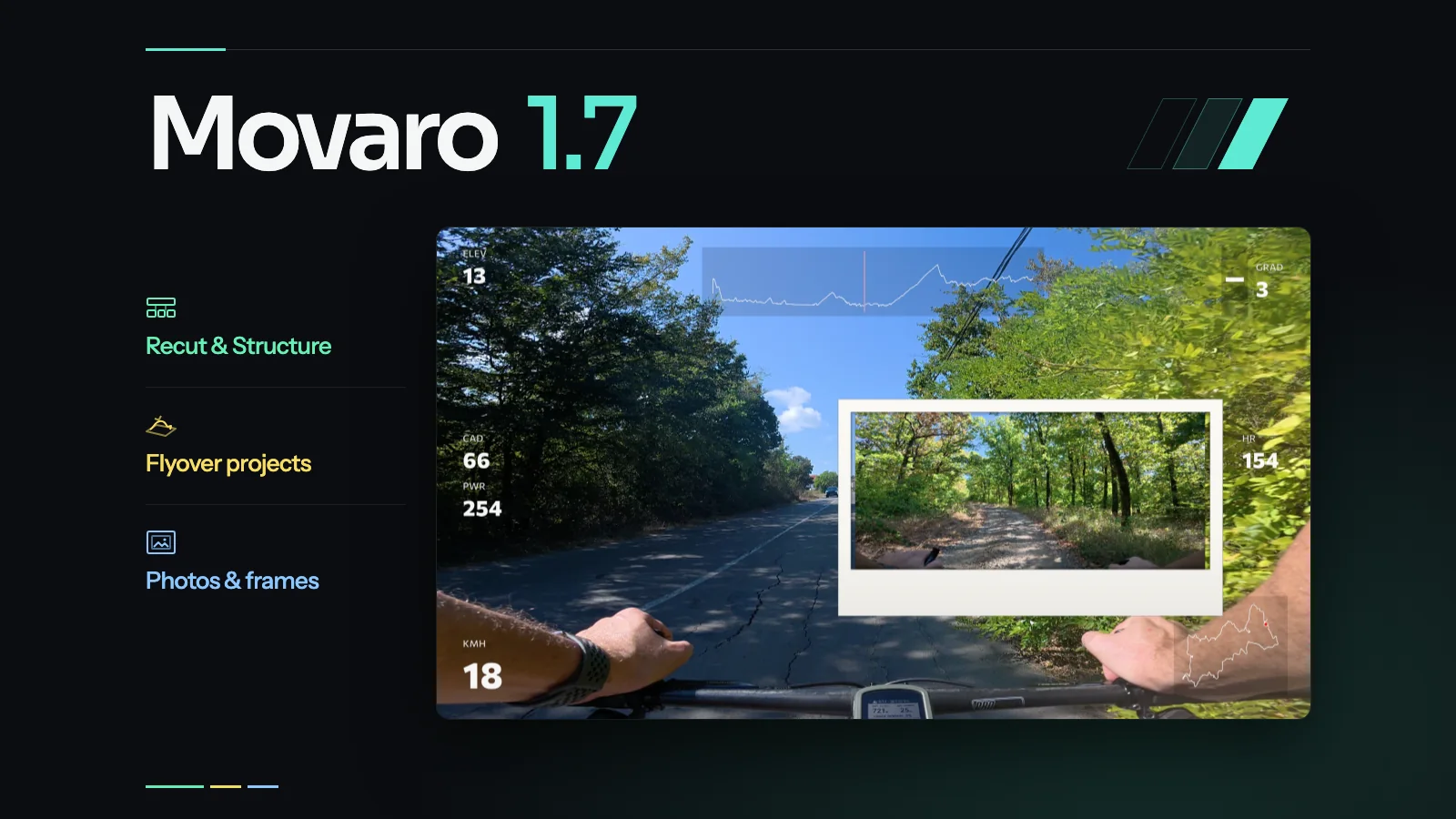
Movaro 1.7: Recut, Structure, route flyovers and photos
Movaro 1.7 adds Recut and Structure for finishing a video you already made, route flyovers on every plan, Activity timelines that need no footage, photos with picture frames, new layouts, custom metrics and exports you can pause.
Read articleLatest
Filtered by tag: video-editing Clear
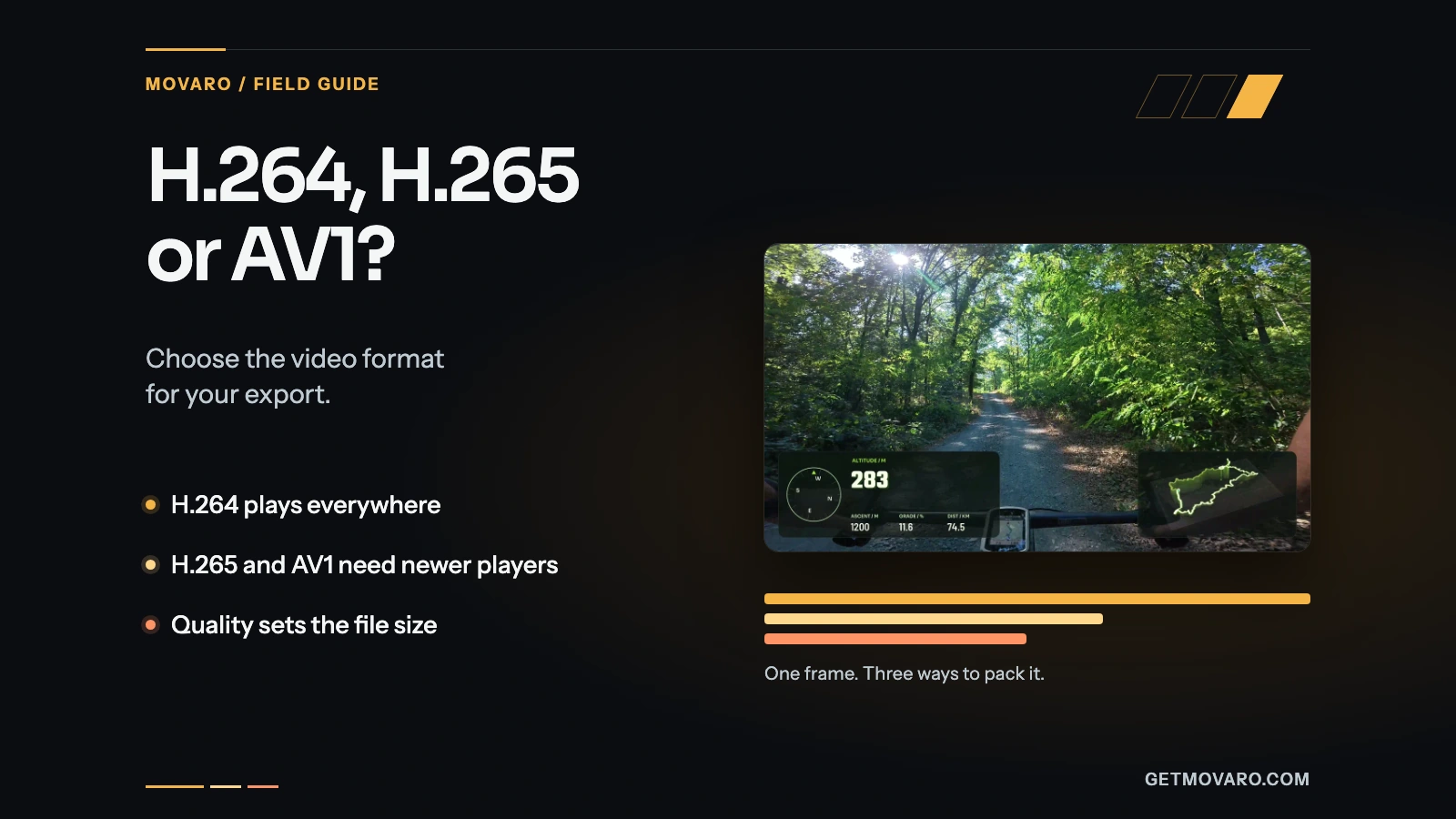
H.264, H.265 or AV1? Choosing an export format for your action video
What Movaro's Video format menu means in practice: when H.264 is the safe choice, what H.265 and AV1 add, why a format can be unavailable on your computer, and why file size comes from Video quality.
6 min read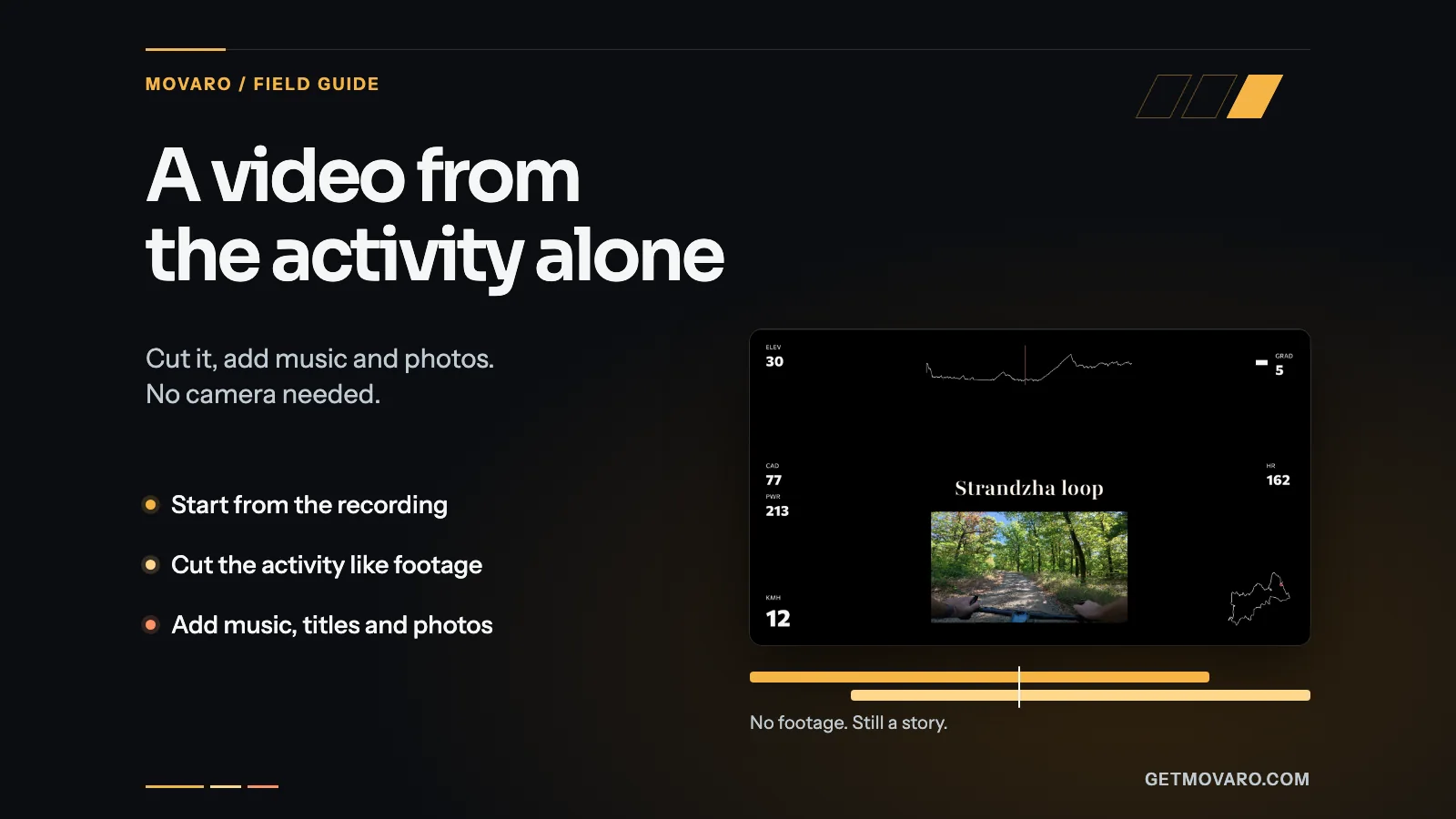
Make a video from the activity alone: no footage needed
Movaro 1.7's Activity timeline turns a GPX, FIT or TCX recording into an editable video: cut the activity like footage, change its pace, add music, titles and photos, and export it as a movie or an overlay.
6 min read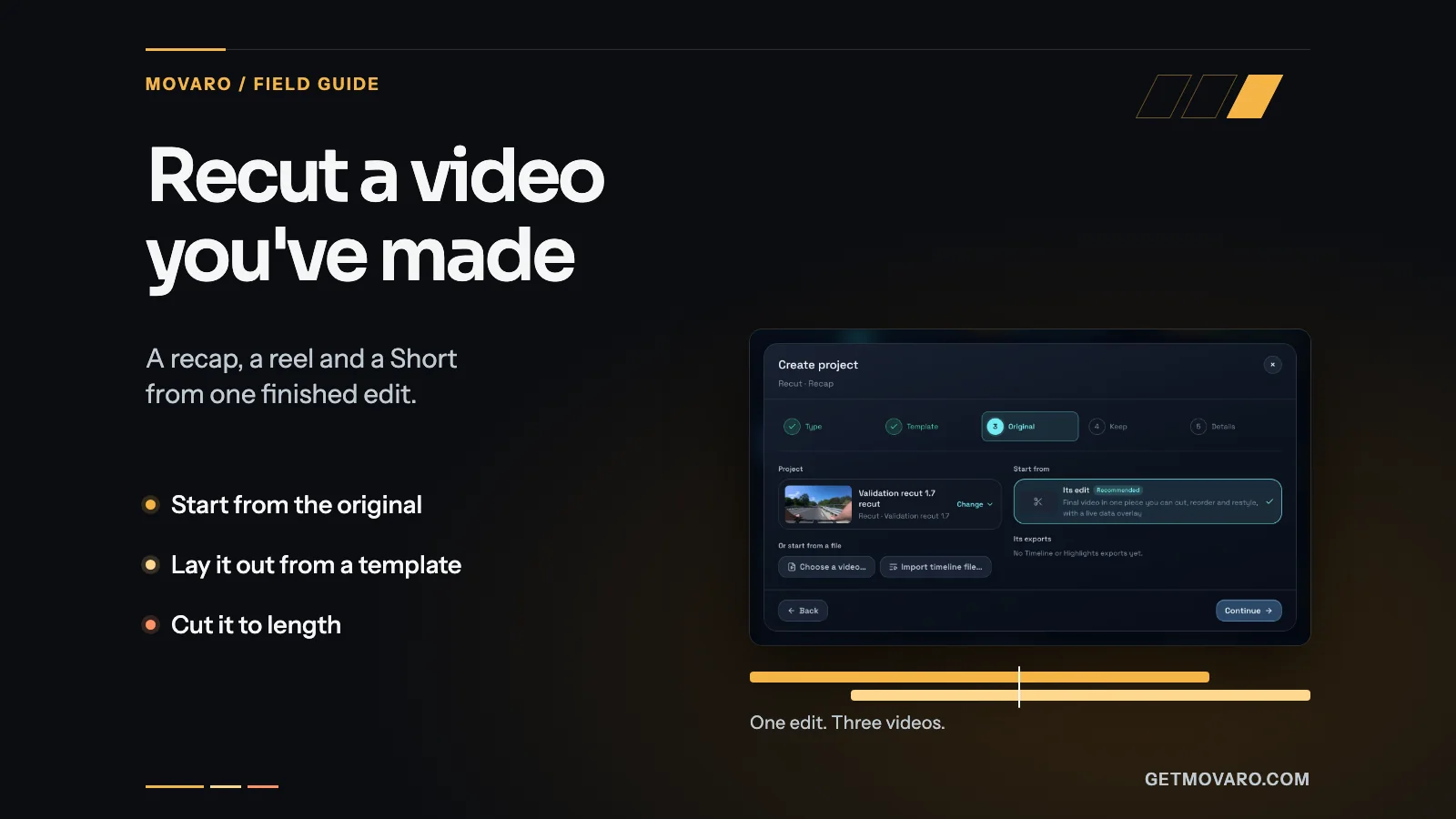
Recut a video you've already made: recaps, reels and Shorts
Movaro 1.7's Recut starts a new project from a finished video: keep its edit or an export, pick a recap, highlights or Short template, lay it out with Structure, and cut it to length with Trim suggestions.
6 min read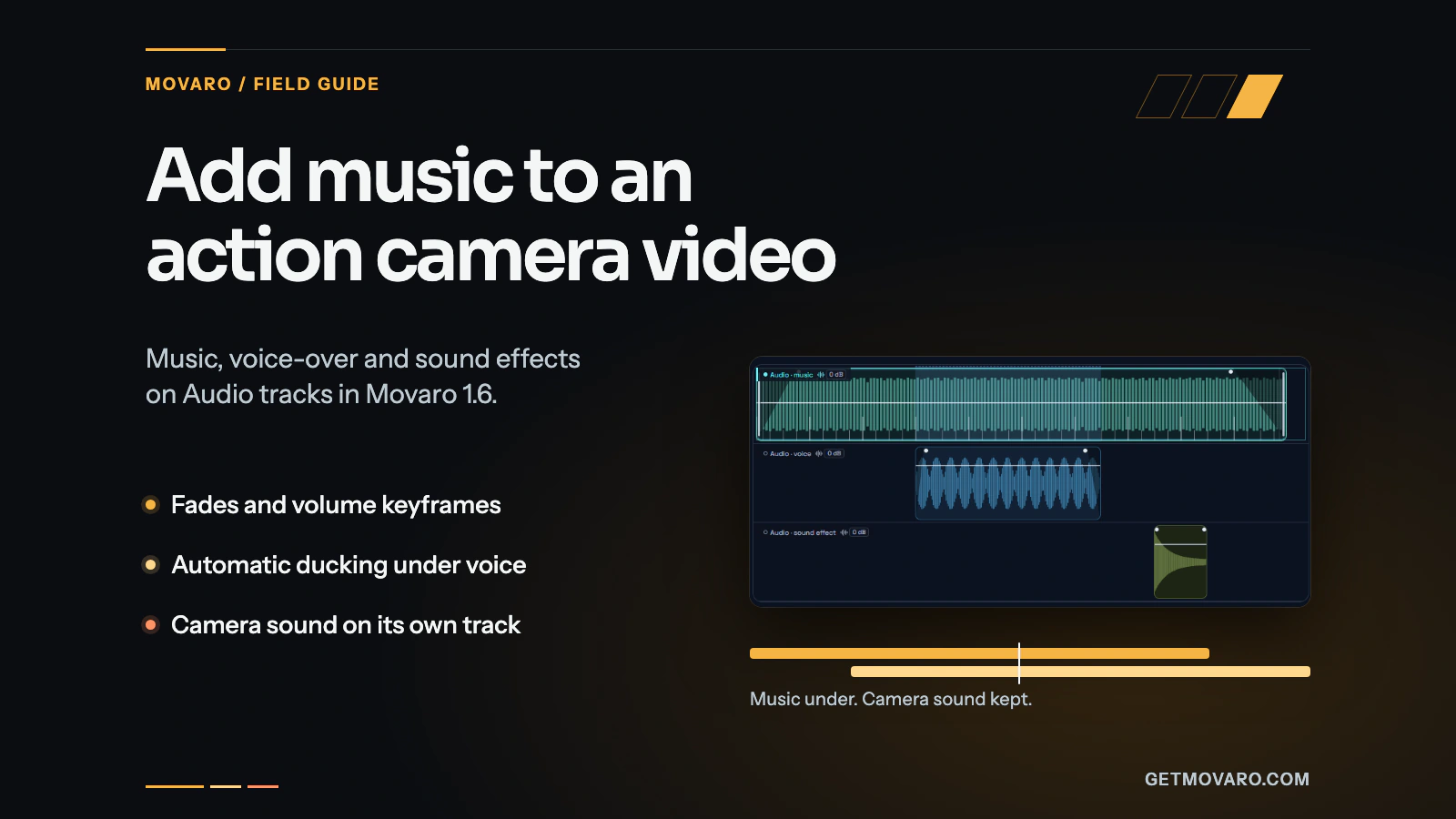
Add music to an action camera video without losing the camera sound
Put a song, a voice-over and sound effects on Audio tracks in Movaro 1.6, shape them with fades, keyframes and ducking, and keep or extract the camera's own sound.
7 min read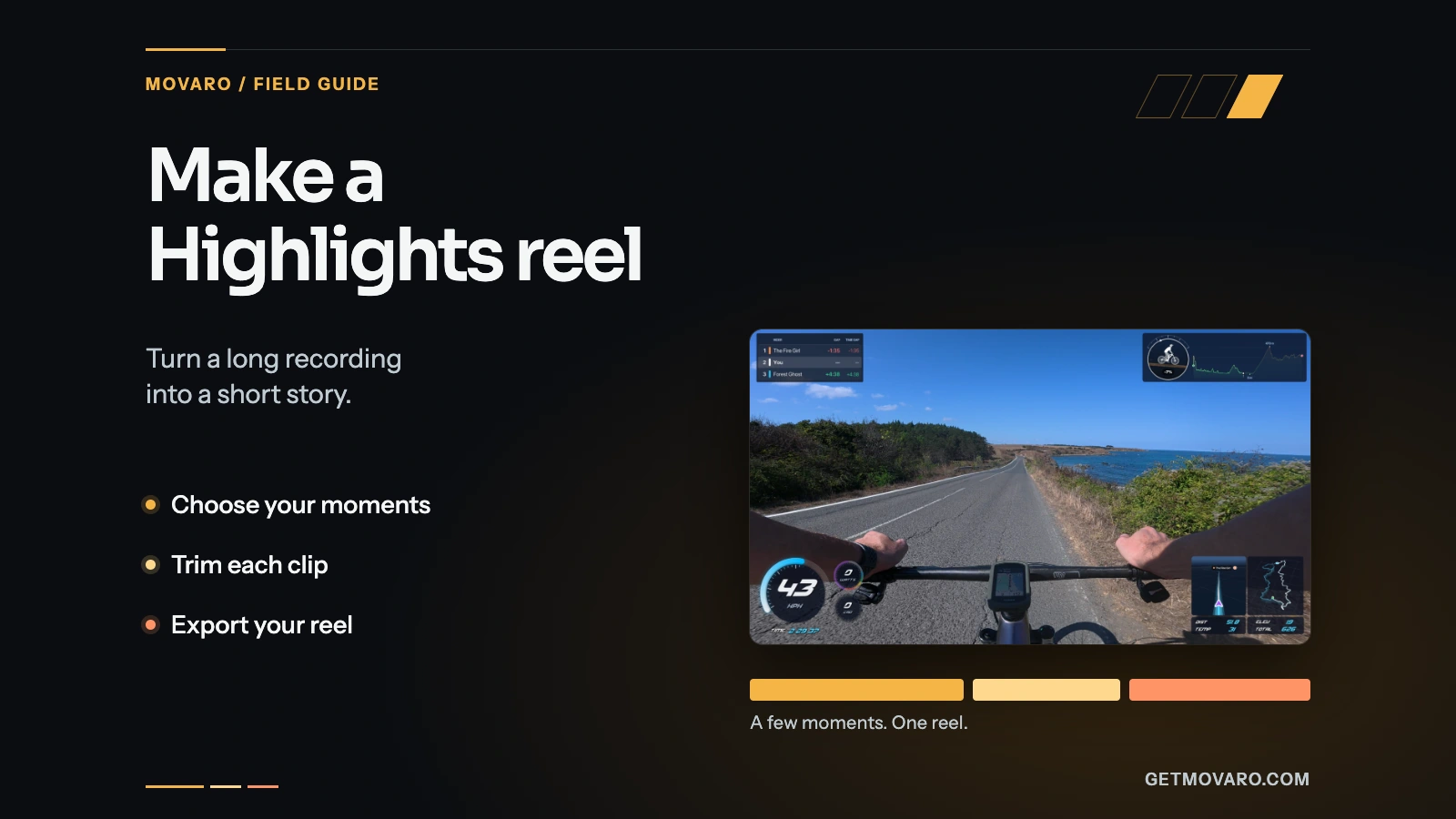
Turn a long recording into a short Highlights reel
Choose moments by hand or with Highlights explorer, tighten their edits, arrange the reel and export only the sections you want to share.
5 min read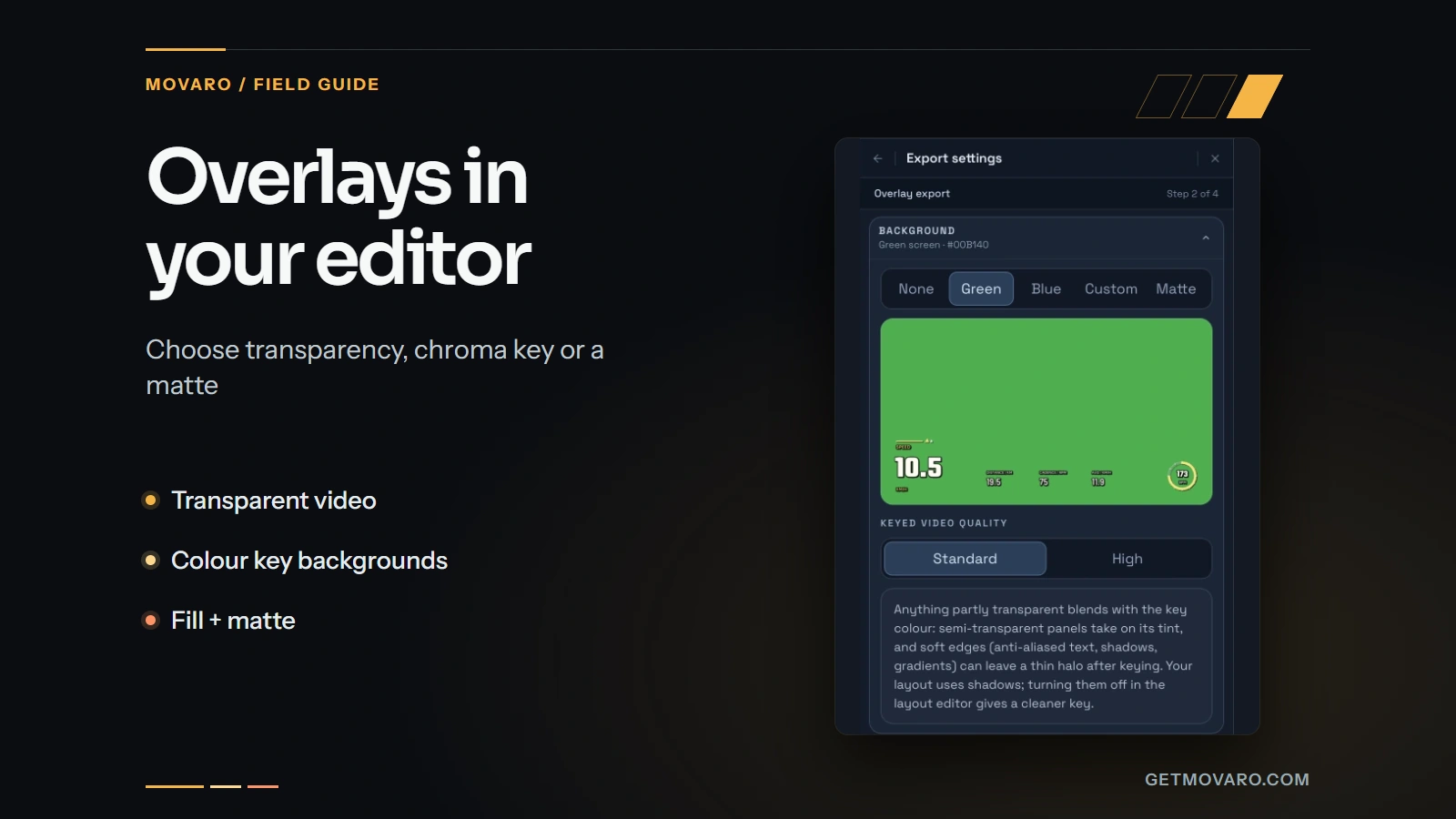
Use Movaro overlays in your existing video editor
Prepare activity overlays for your video editor with live previews, transparent video, chroma-key backgrounds or a fill-and-matte pair.
6 min readStay in the loop
Product updates, tips and behind-the-scenes stories, in your inbox.