News, releases and guides
What’s new in Movaro, a closer look at every release, and better ways to turn GPS data and footage into videos people watch to the end.
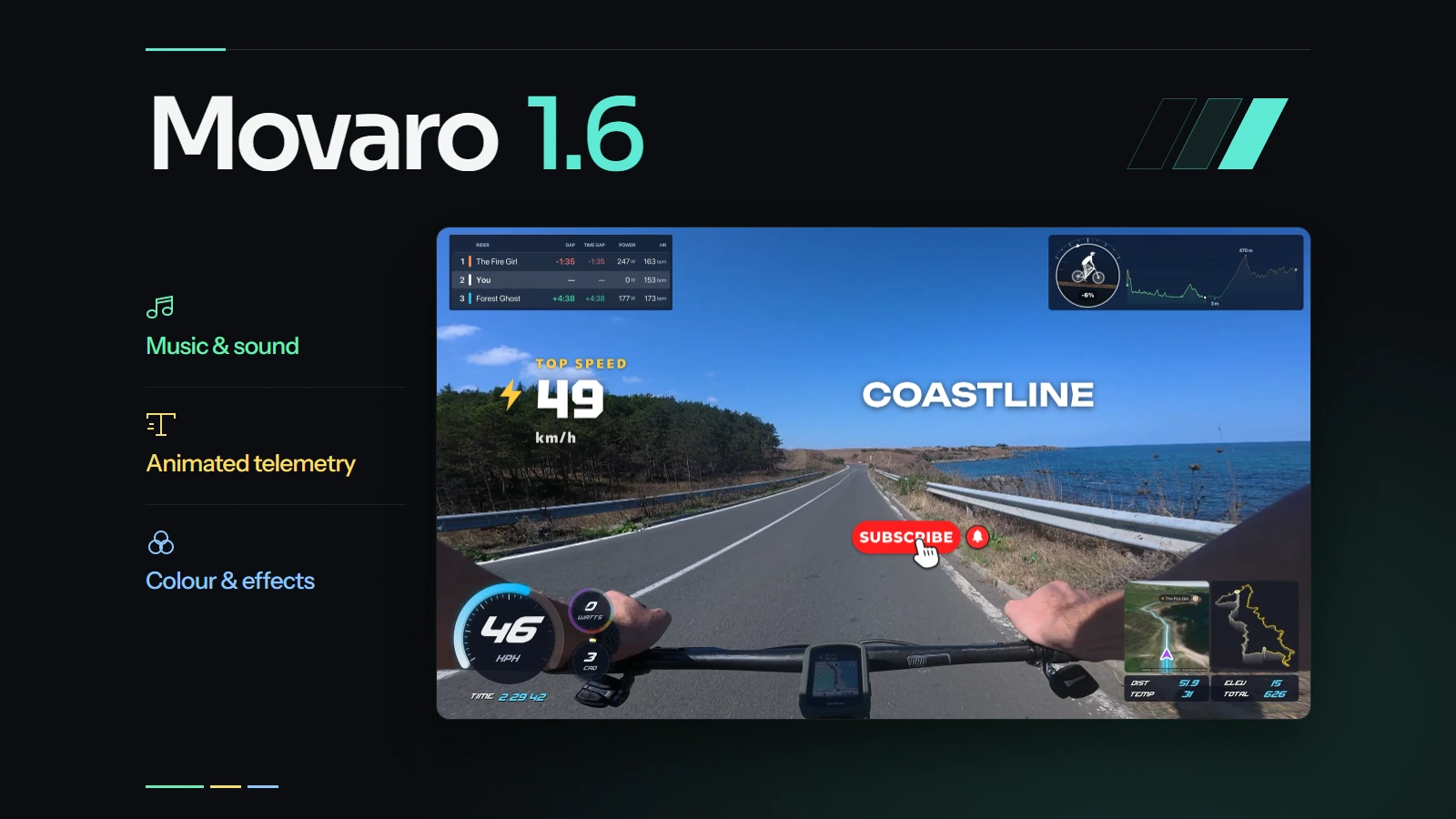
Movaro 1.6: edit the sound and pace of your action videos
Give a key moment more time on screen and its own soundtrack. Add animated titles from your activity data, then match the colour across your clips.
Read articleLatest
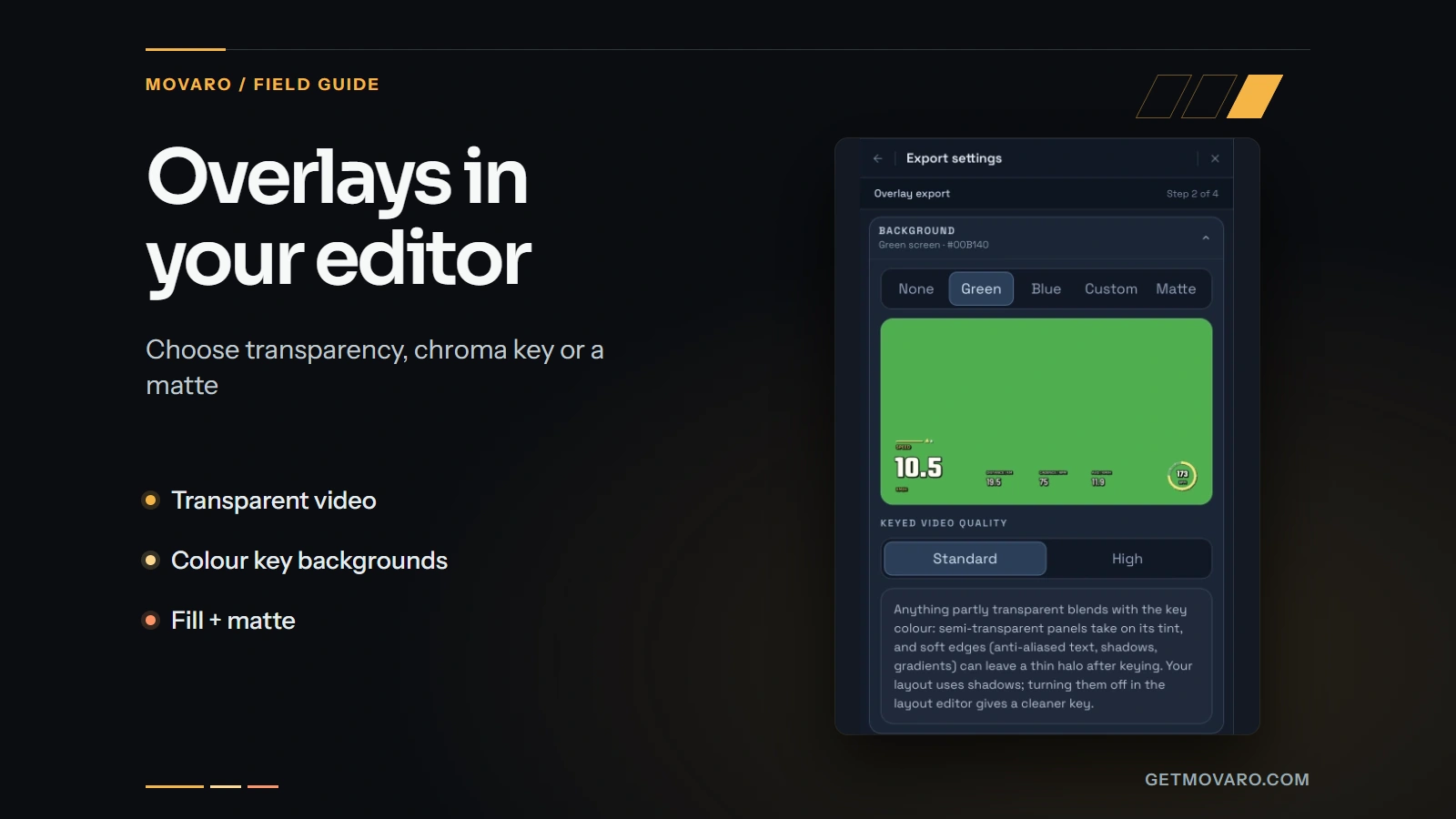
Use Movaro overlays in your existing video editor
Prepare activity overlays for your video editor with live previews, transparent video, chroma-key backgrounds or a fill-and-matte pair.
6 min read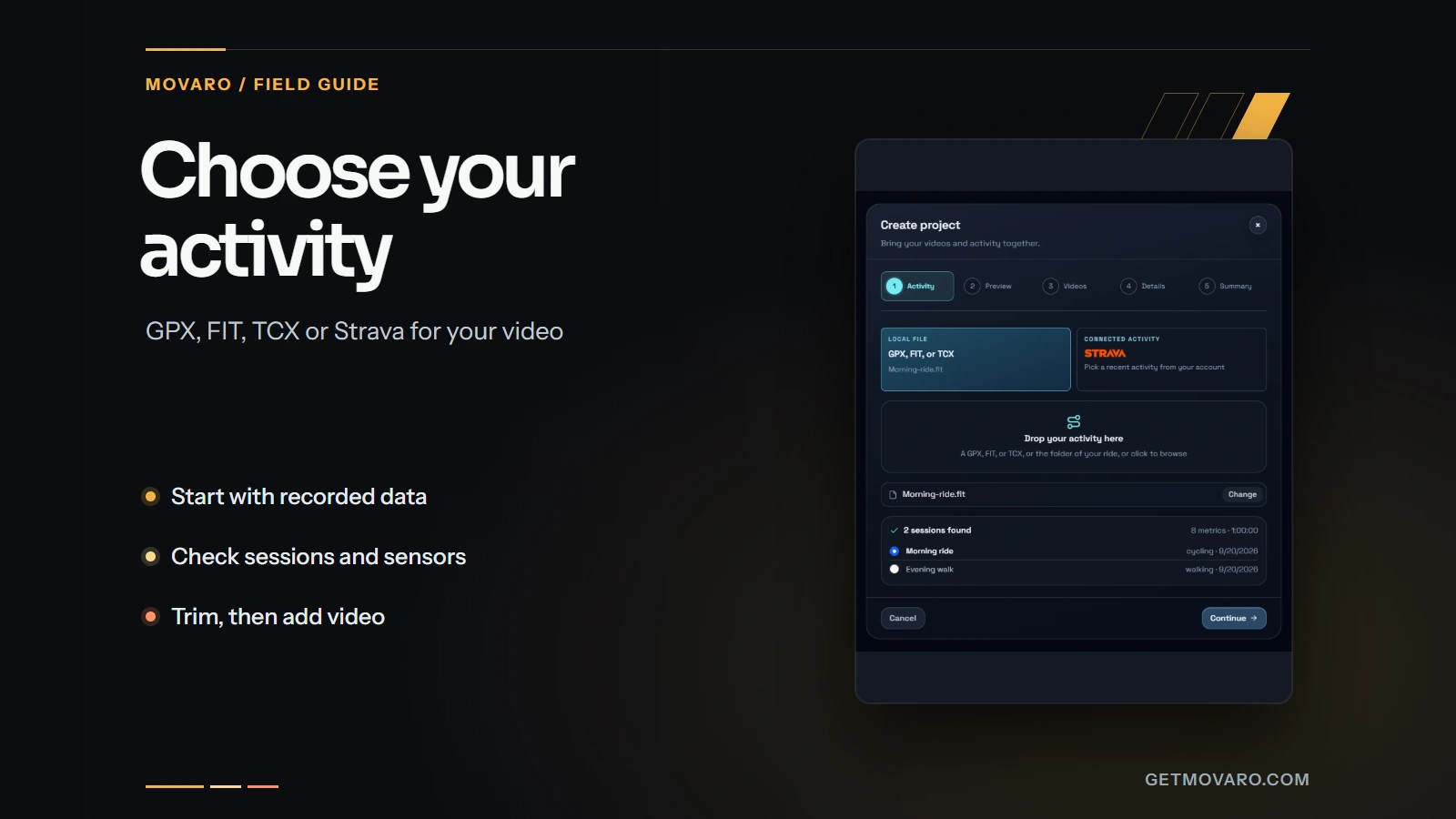
Choose an activity recording for your video: GPX, FIT, TCX or Strava
Choose a GPX, FIT, TCX or Strava activity, check its sessions and sensors, trim the right time range, and verify the data against your footage in Movaro.
4 min read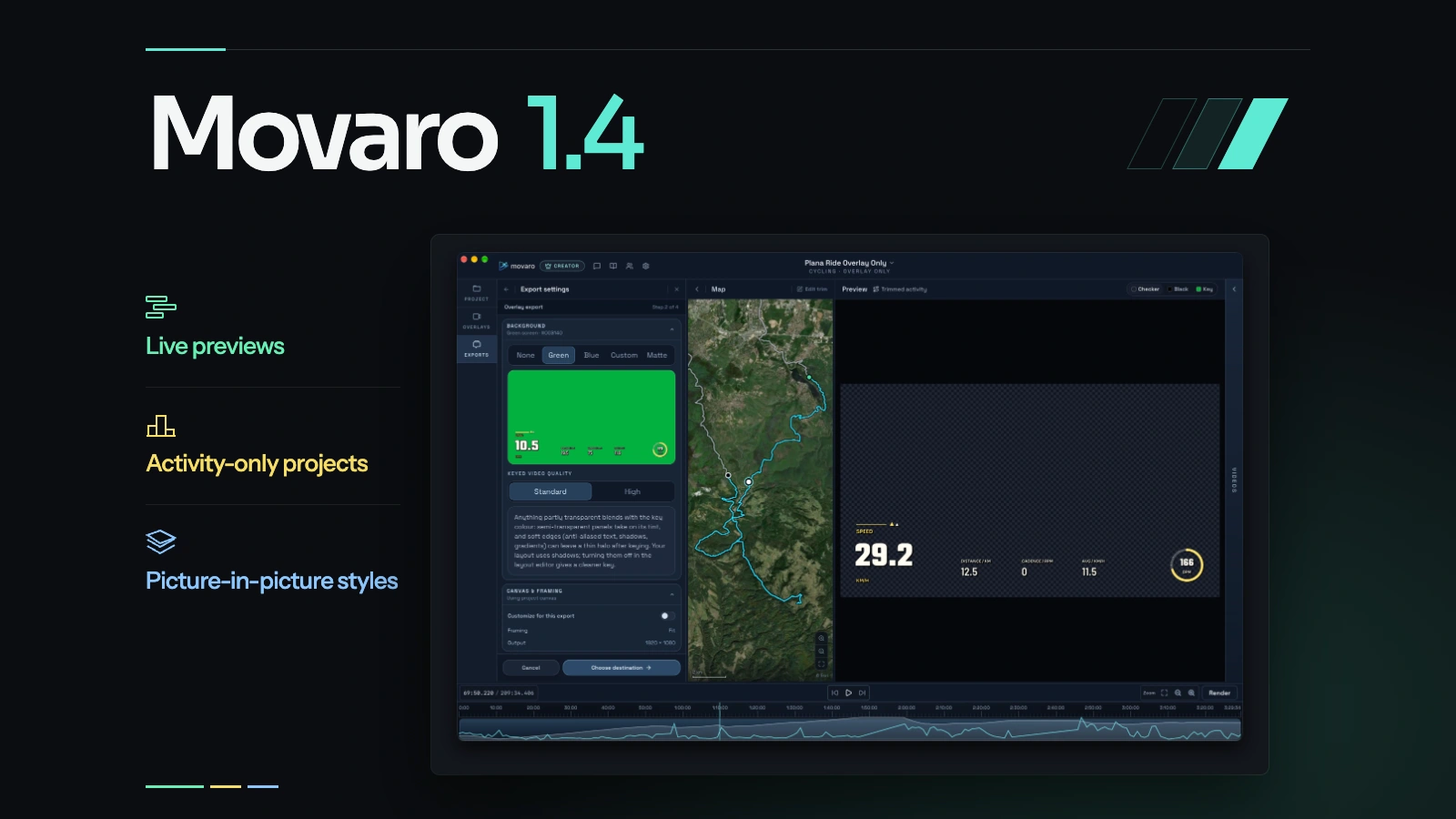
Movaro 1.4: live previews, activity-only projects and picture-in-picture styling
Check overlay changes as you edit, export an entire activity without adding videos, and give a second camera view its own shape, crop and style.
6 min read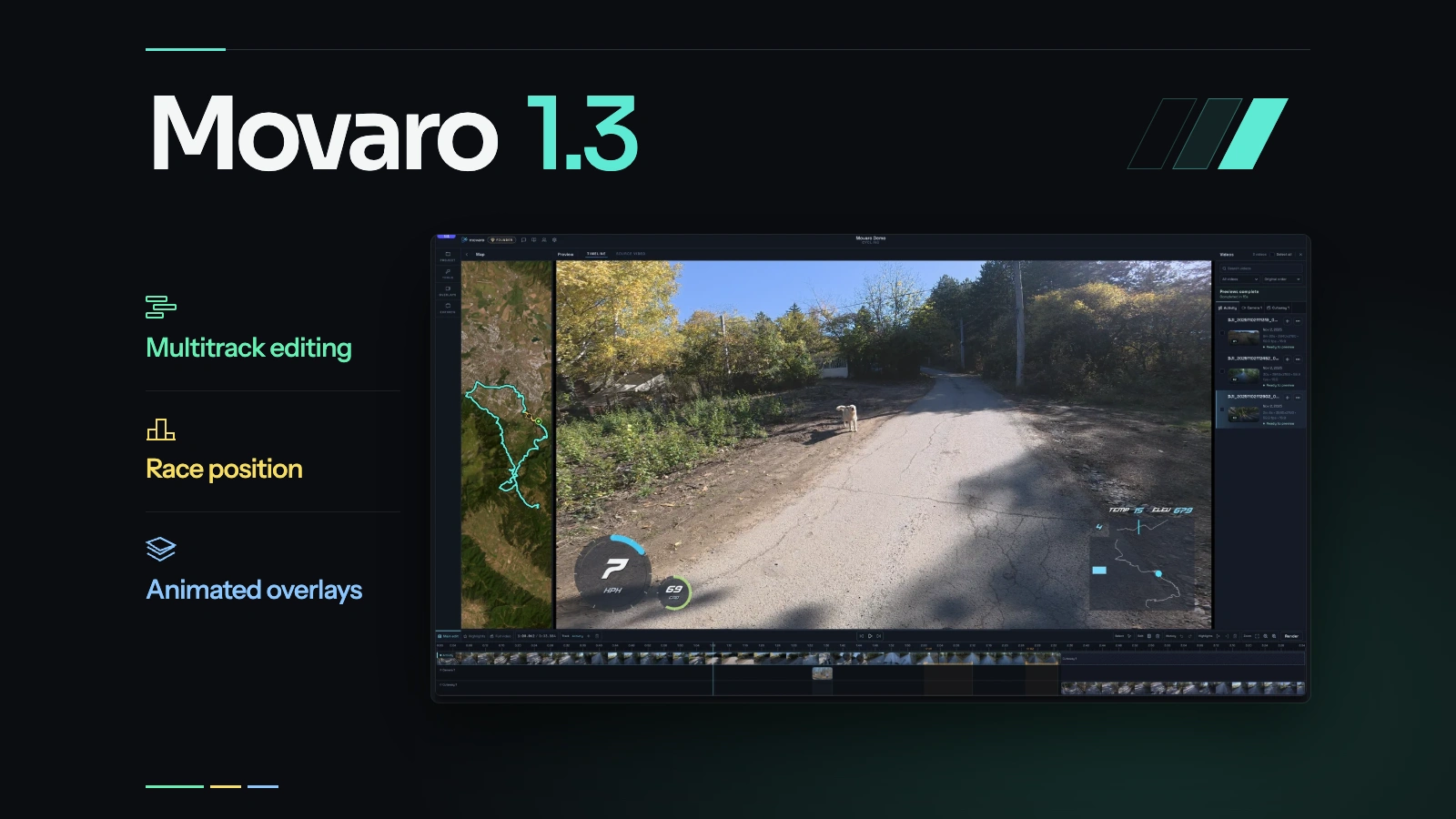
Movaro 1.3: multitrack editing, race position and animated overlays
Build across cameras and Cutaways, turn highlights into an opening, track race position, and style overlays with animation and gradients.
7 min read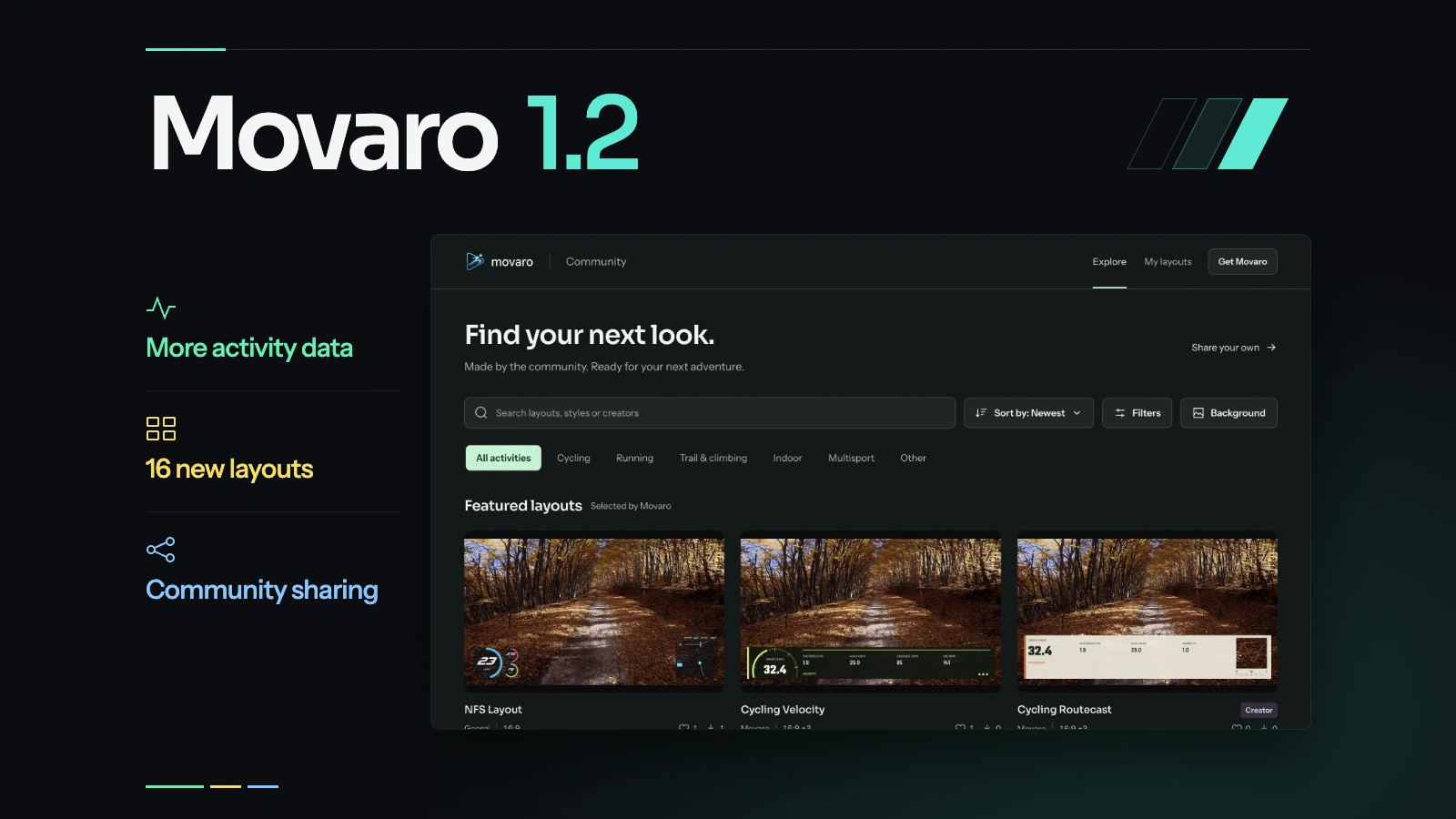
Movaro 1.2: more activity data, new layouts and Community sharing
FIT and TCX imports, ready-to-use layouts, Community sharing and a more capable Free plan bring more of your recorded activity into the video.
3 min read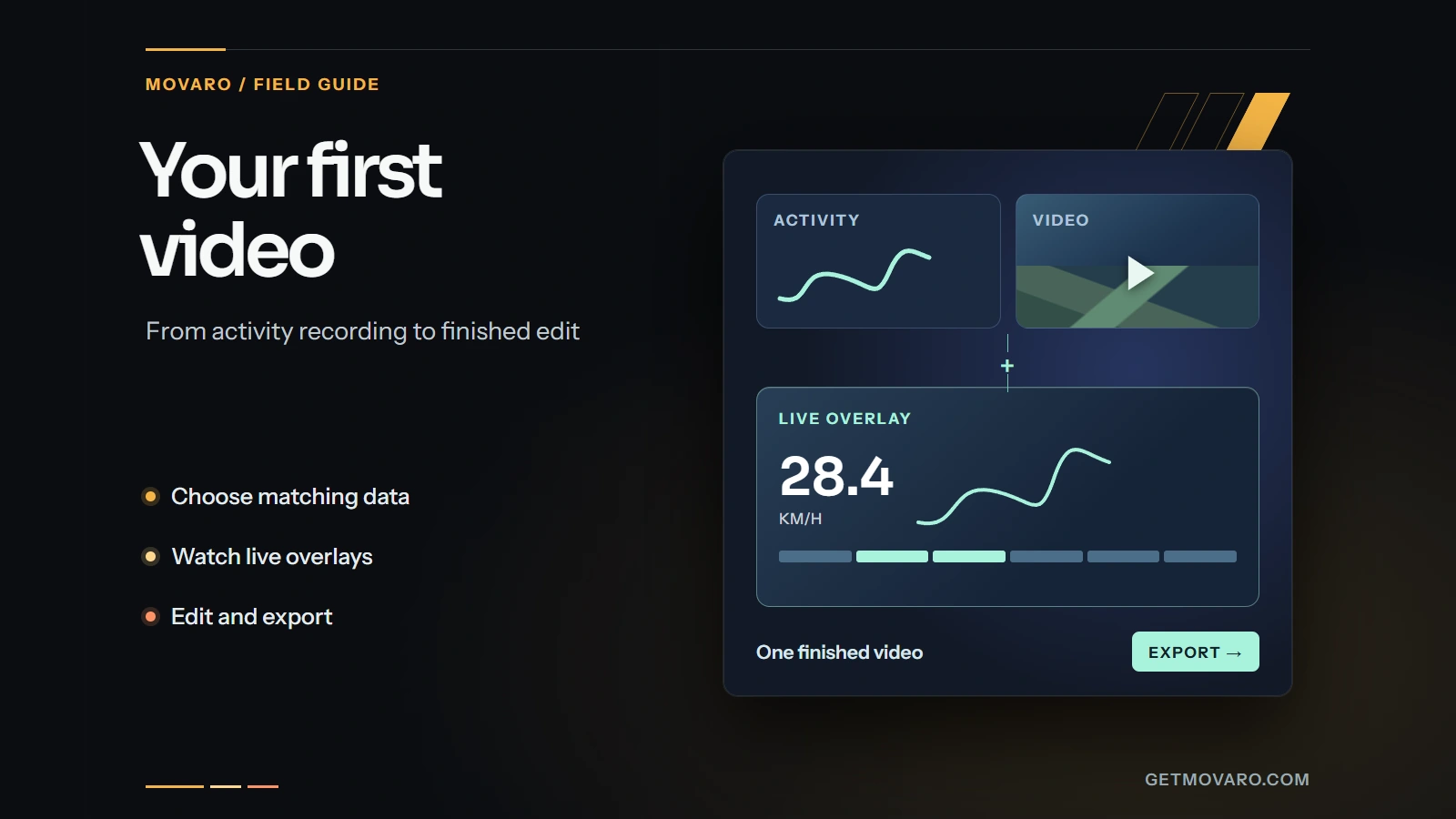
Your first video with activity overlays in Movaro
Start with a timed GPX, FIT, TCX or Strava activity, add a matching clip, check the live overlay, and export your first short video in Movaro.
4 min readStay in the loop
Product updates, tips and behind-the-scenes stories, in your inbox.